Attach Trello card files to your emails

The files you need to send are often already on the card - an invoice, a quote, a signed form. Now you can attach them to your outgoing email without downloading and re-uploading anything: pick them in the reply panel, or ask for them right inside an @email or @reply comment.
Pick files in the reply panel
The reply panel has a new Attach from this card option, right next to Attach Files. It lists the files uploaded to the Trello card (oldest first), each with a toggle to include it in the email. The button shows how many you’ve picked - for example “(2 selected)” - and opens on click or with the space key.
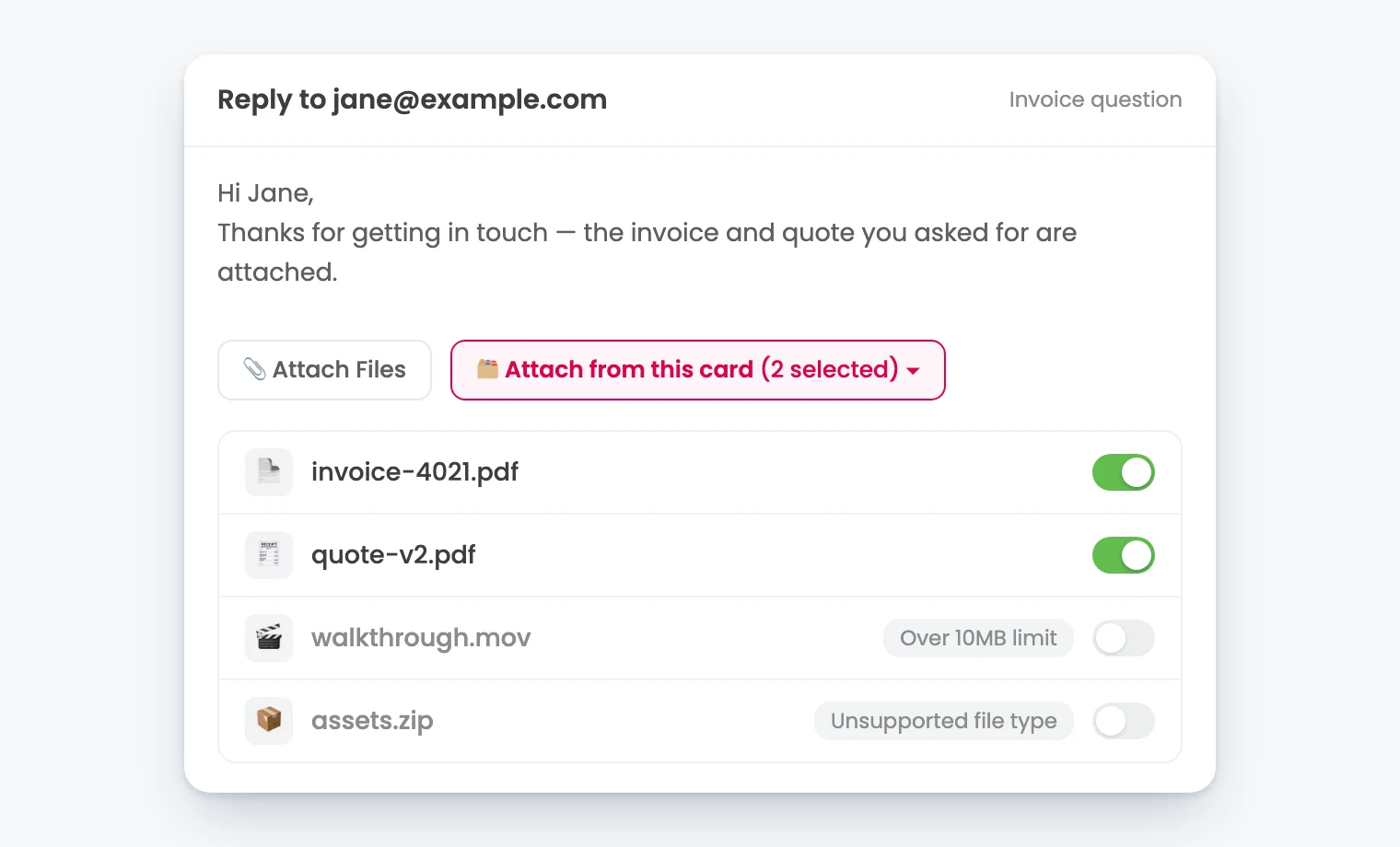
Files that can’t be attached are still listed, with the reason shown - over the 10MB limit, or an unsupported file type. Their toggles are disabled (clicking one makes the reason wiggle, in case you missed it).
When you hit send, the selected files are copied into the email’s attachments, and they count towards the 10MB email limit. And if something changes while you’re writing - a selected file is deleted from the card, or the card moves to another board - a clear error message tells you what happened, and in the second case the card files are removed from the email so you can still send it without them.
Attach files from a comment with @attachfiles
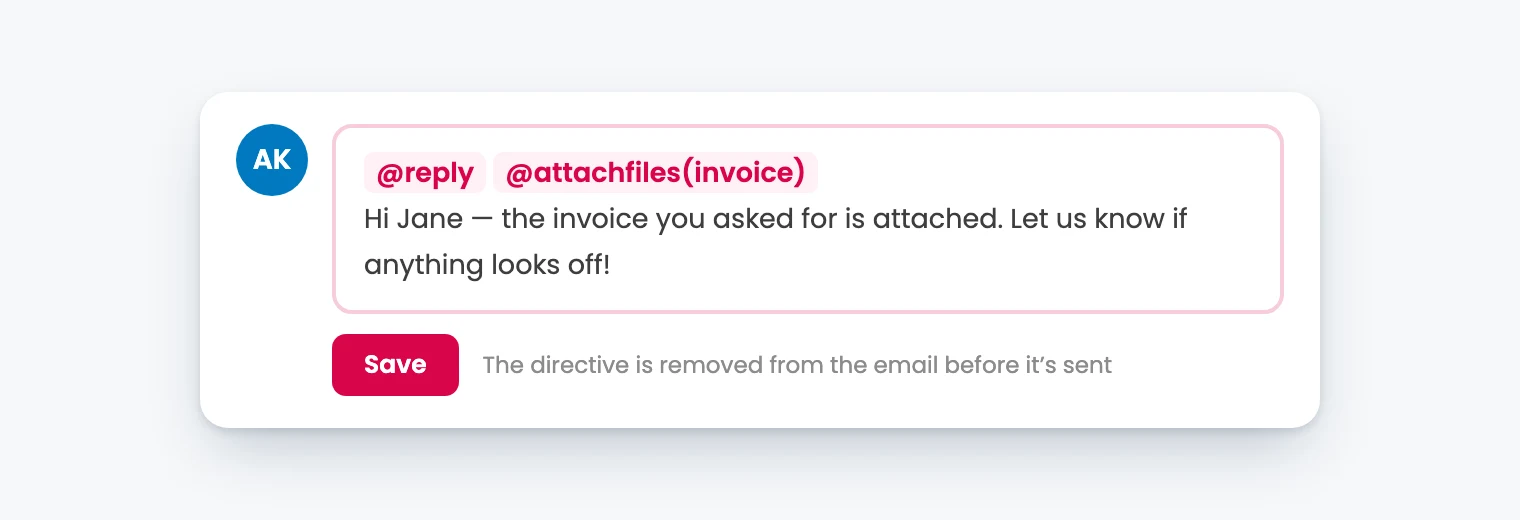
If you send emails with @email and @reply comments - available on our Pro plan - you can now attach card files there too, with the new @attachfiles directive:
| Directive | Attaches |
|---|---|
@attachfiles |
every file on the card |
@attachfiles(first) / @attachfiles(last) |
the first or last file added to the card |
@attachfiles(invoice), @attachfiles("invoice"), @attachfiles('invoice.pdf') |
files whose name contains the text (not case-sensitive) |
A few things worth knowing:
- You can use more than one directive in a comment, and they’re all removed from the email body before it’s sent.
- Only files uploaded to the card are attached - link attachments are not.
- Custom fields work inside the directive in
@emailcomments, e.g.@attachfiles({% INVOICE_NUMBER %}). - Curly quotes (which phones and Macs swap in as you type) work the same as straight quotes, and so do Trello’s escaped characters (
\@attachfiles,file\_name.pdf).
If something can’t be attached
When a directive can’t do what you asked, the bot explains the problem in a comment on the card and doesn’t send the email - for example when the directive isn’t recognised (the comment lists the supported forms), when it matches no files, when the selected files total more than 10MB, when a custom field in the directive has no value (or is one that’s only filled in at send time, like card.* or date.*), or when the card moved boards or a file was deleted before the files could be copied.
💡 NOTE If only some of the matched files can't be attached, the email is still sent with the rest, and the bot adds a comment listing the files it left out and why.
These features are live now for all boards using the Email for Trello Power-Up. For the full details on sending email from comments, see the help article on using @reply and @email.