Snooze any card for later
Snooze your cards until a specified date and time with Trello’s Card Snooze Power-Up. Great for keeping your board tidy!

Get the most out of Trello for your business by learning some of these tricks to supercharge your workflow. Save time, avoid errors and get more done!
Snooze your cards until a specified date and time with Trello’s Card Snooze Power-Up. Great for keeping your board tidy!
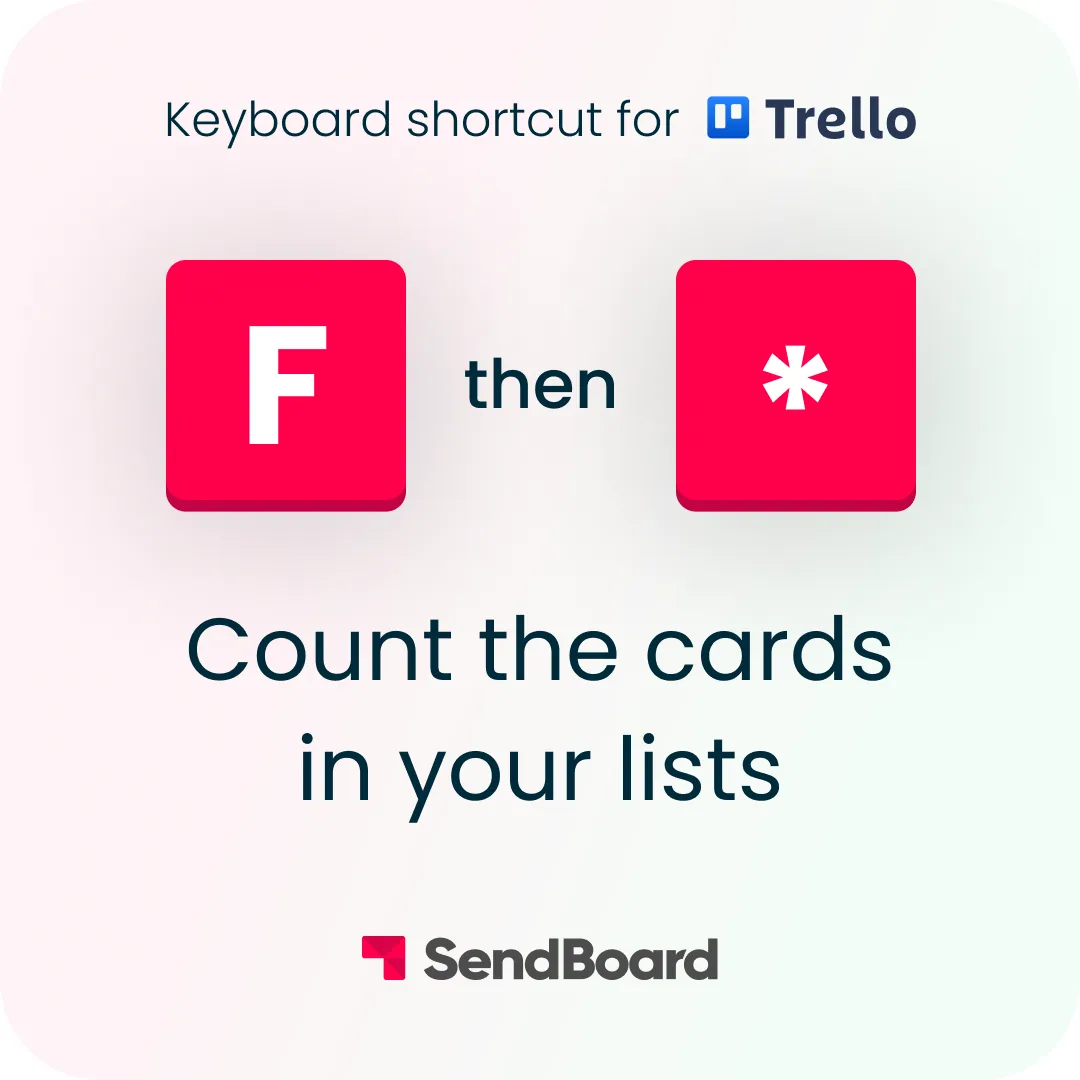
Count the cards in any Trello list with a quick keyboard shortcut. Press F, type *, and the total shows at the top of each list.
Let Trello automation take care of your follow-up emails! Automatically send an email from Trello after X number of days.
Ace your admin! Add a rule to automatically sort lists by due date, label or Custom Field when a card is added to a list.
Managing multiple boards? Learn how to move cards between Trello boards by simply dragging them from one list to another.
Easily schedule repeating tasks with the Card Repeater Power-Up by Trello. Regular reminders and to-dos made simple!
Post a Trello comment to send an email with the Email for Trello Power-Up! Great for when you’re on the go with the Trello mobile app.
Got two emails about the same topic? We show you how to tidy up your Trello board with the Email for Trello merge feature.
Create a custom Trello button that sends a template email, so that you can reply to messages with a single click.
When you move a Trello card from one list to another, the Email for Trello Power-Up can automatically send an email for you.
Did you know that you can make changes to a Google Doc right from your Trello card? Simply paste your link as the card name.
Automatically assign new Trello cards to team members turn-by-turn. Learn how to set up a round-robin to assign tasks fairly.
This handy Trello feature lets you add locations to your Trello cards, so that you can view and interact with them on a map.
Finished a task? Use these emojis to see a celebratory splash of Trello confetti when you move a card into your ‘Done’ list.
Get your forms into Trello with the Blue Cat Forms Power-Up! Then use Email for Trello to respond to submissions – directly from Trello.
Need to clean up old cards on your Trello board? Set up a Trello automation to automatically archive cards matching certain criteria.
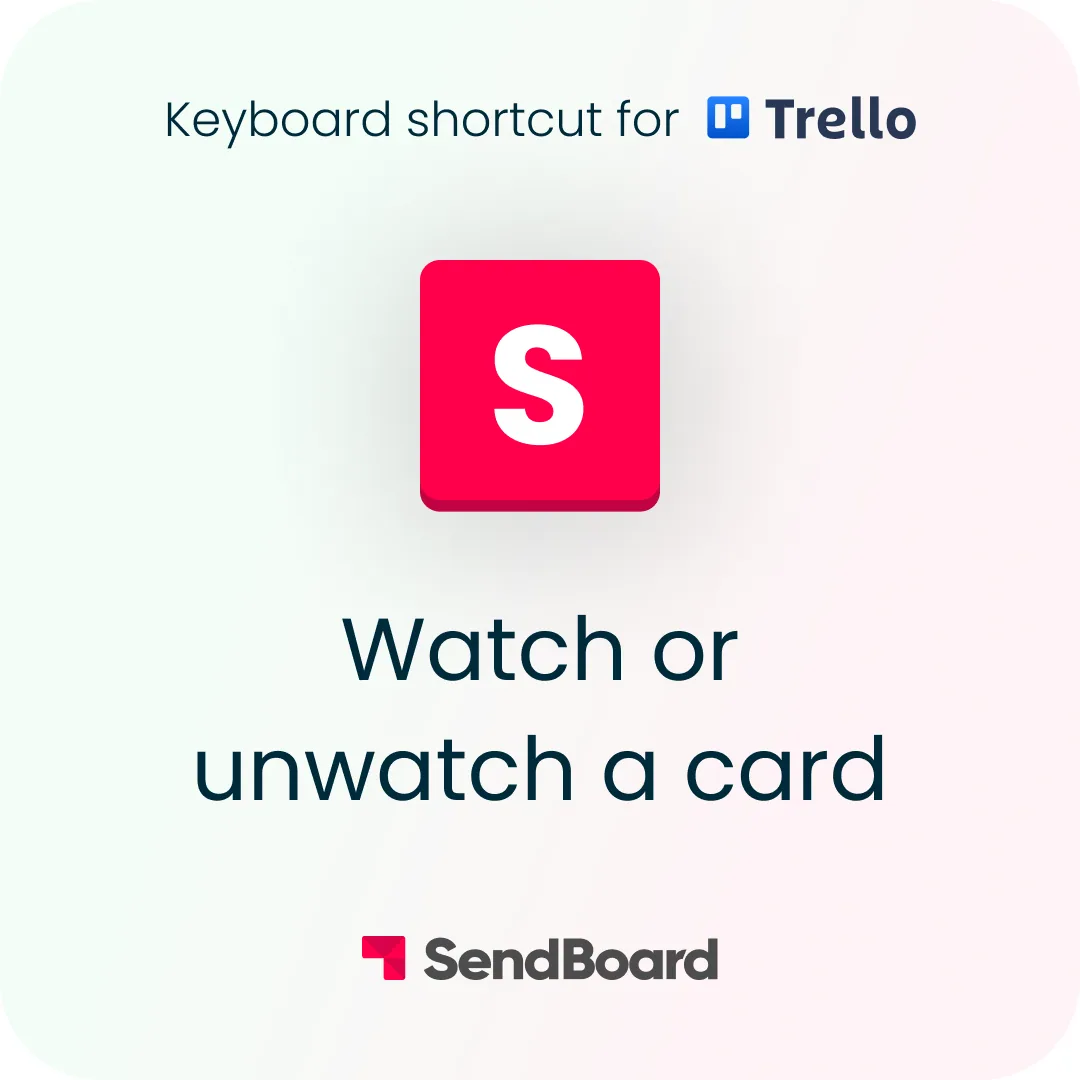
Stay up to date with a card’s activity in Trello! Use this handy keyboard shortcut to watch or unwatch any card.
Quickly count the cards in your lists with this Trello keyboard shortcut. The number of cards will show at the top of the list.
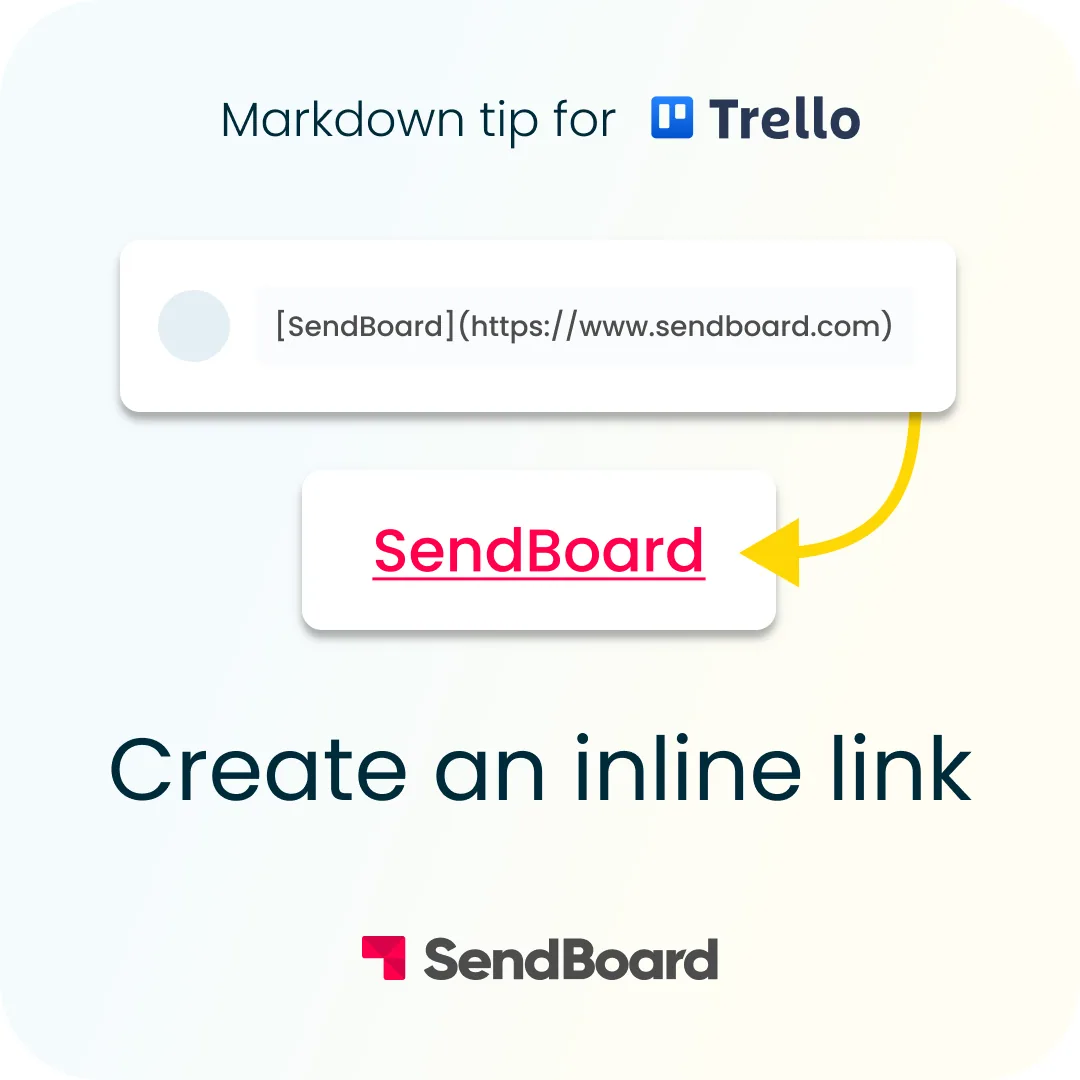
Use markdown to hyperlink text on a Trello card. Wrap your text in square brackets, directly followed by the URL in parentheses.
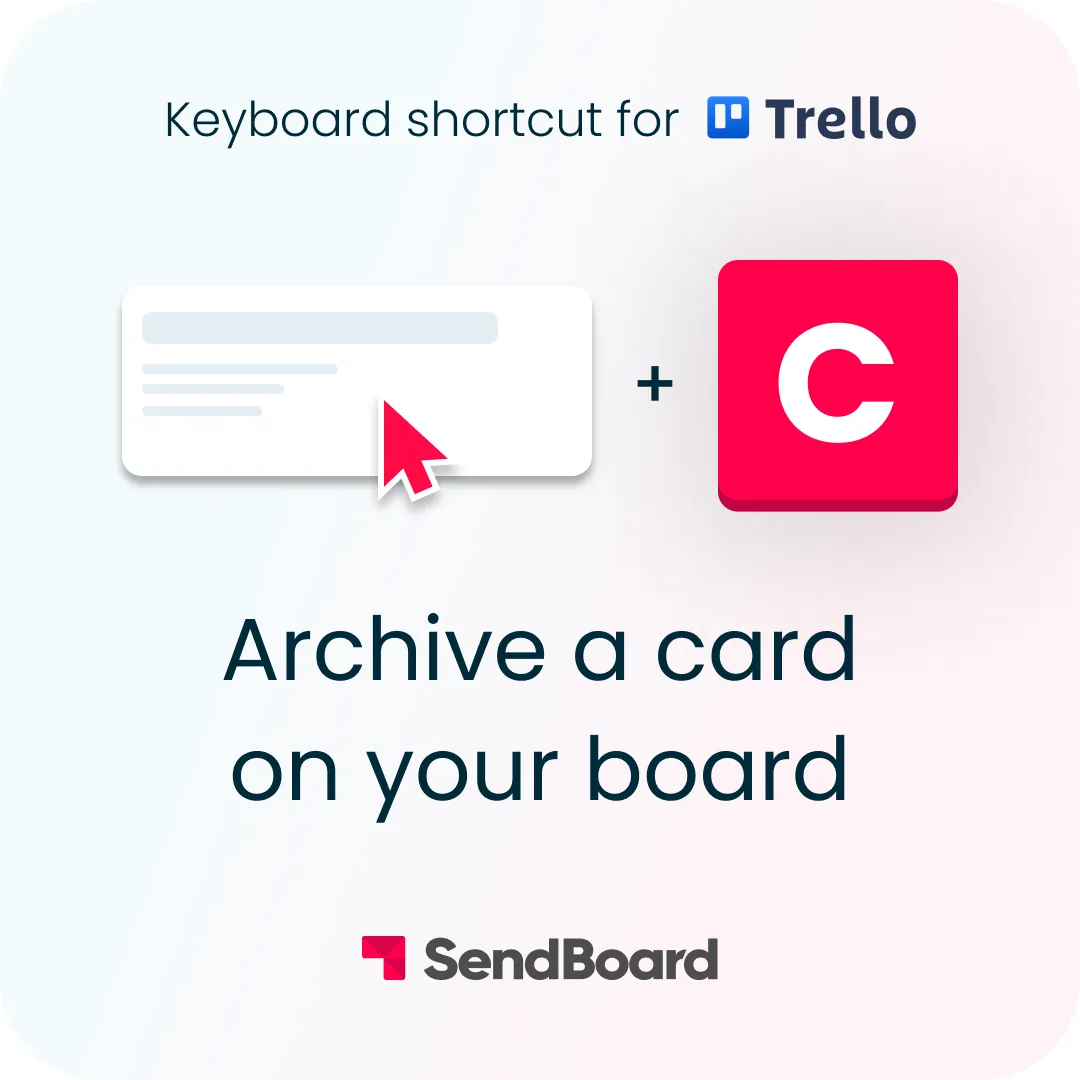
Need to clean up old cards on your Trello board? Quickly archive any Trello card with this useful keyboard shortcut.
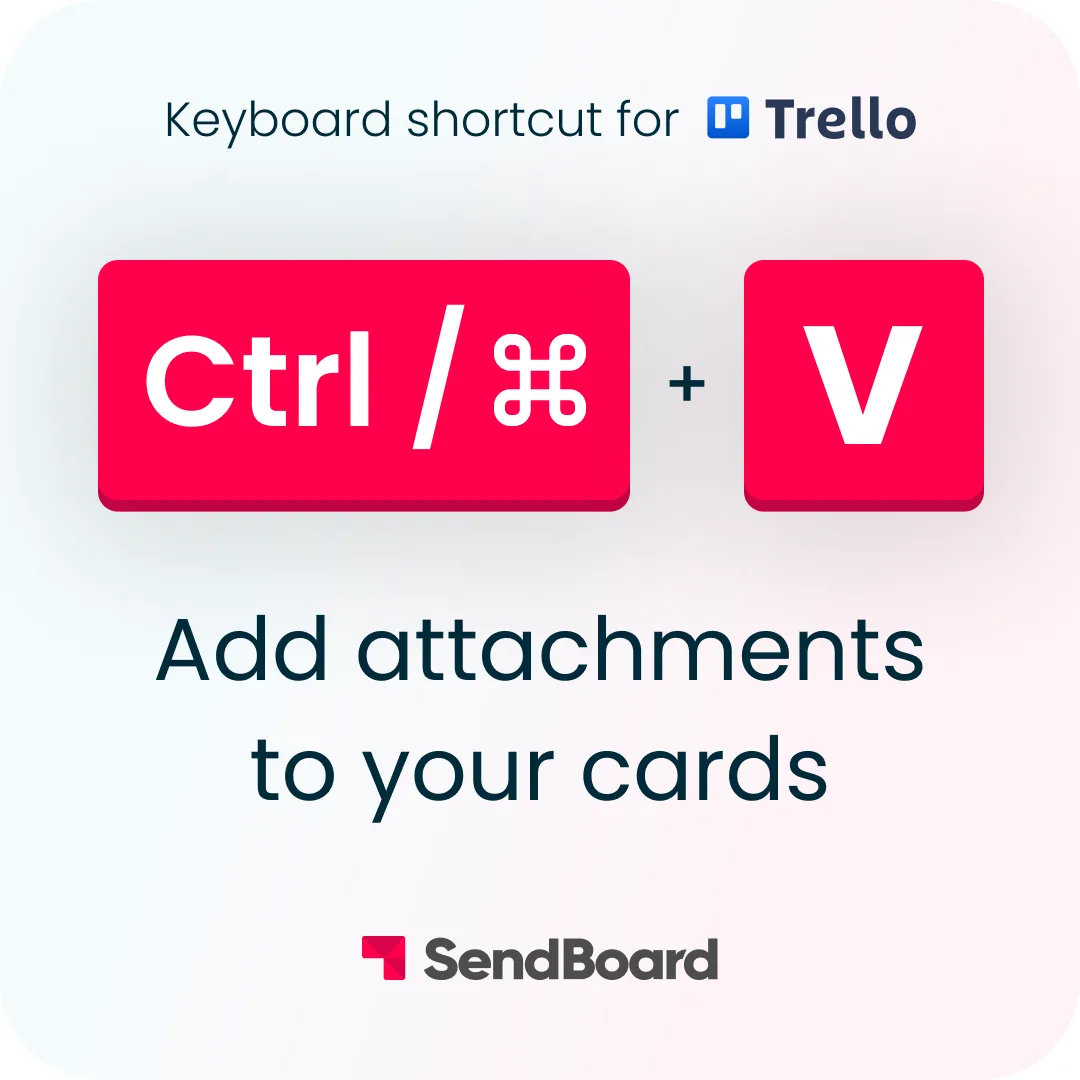
Add any link as a card attachment in Trello. Just hit ‘Ctrl/Cmd’ and ‘V’ to paste any copied link to your card.
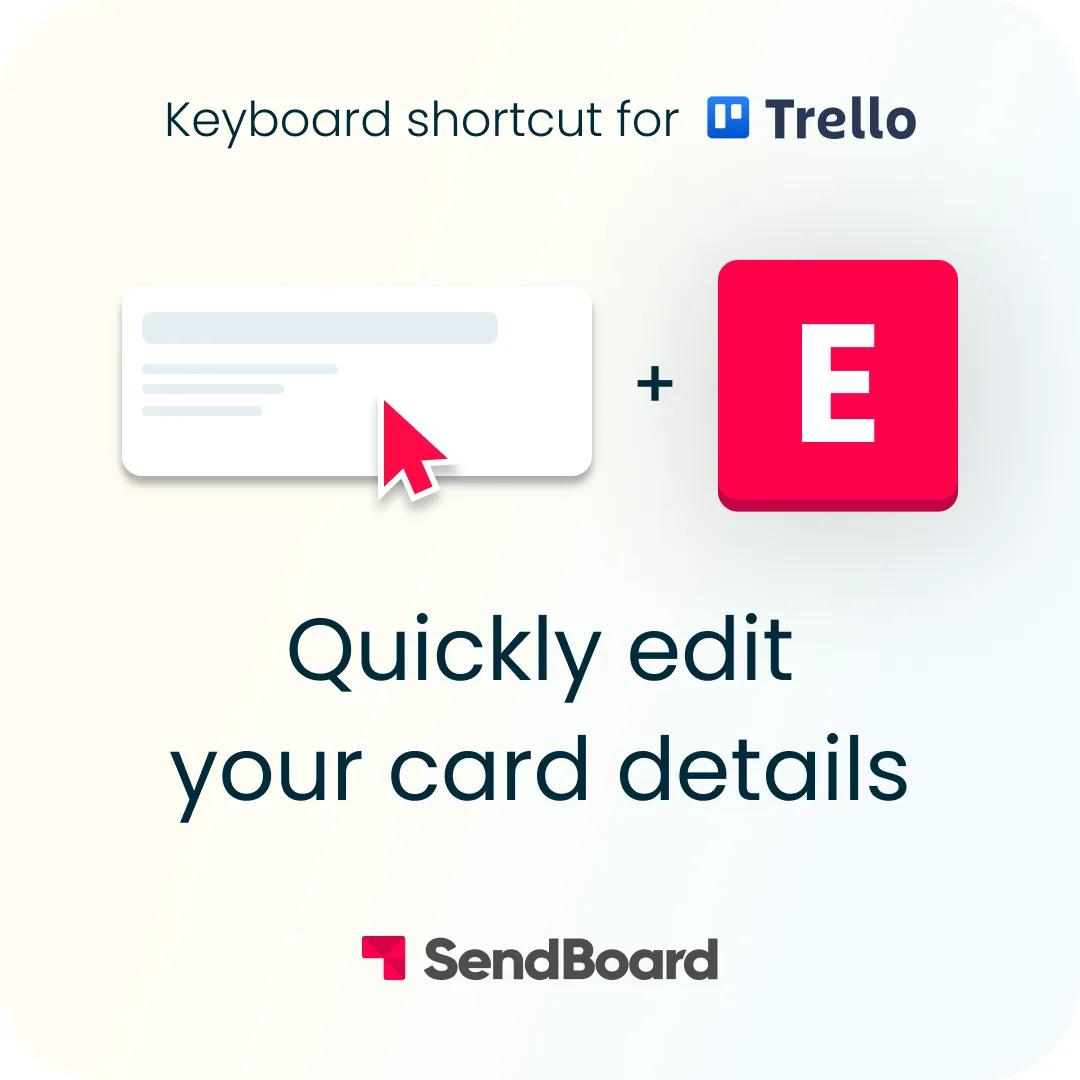
Use this nifty Trello keyboard shortcut to quickly edit the card title, label, members, due date and more – without opening the card.
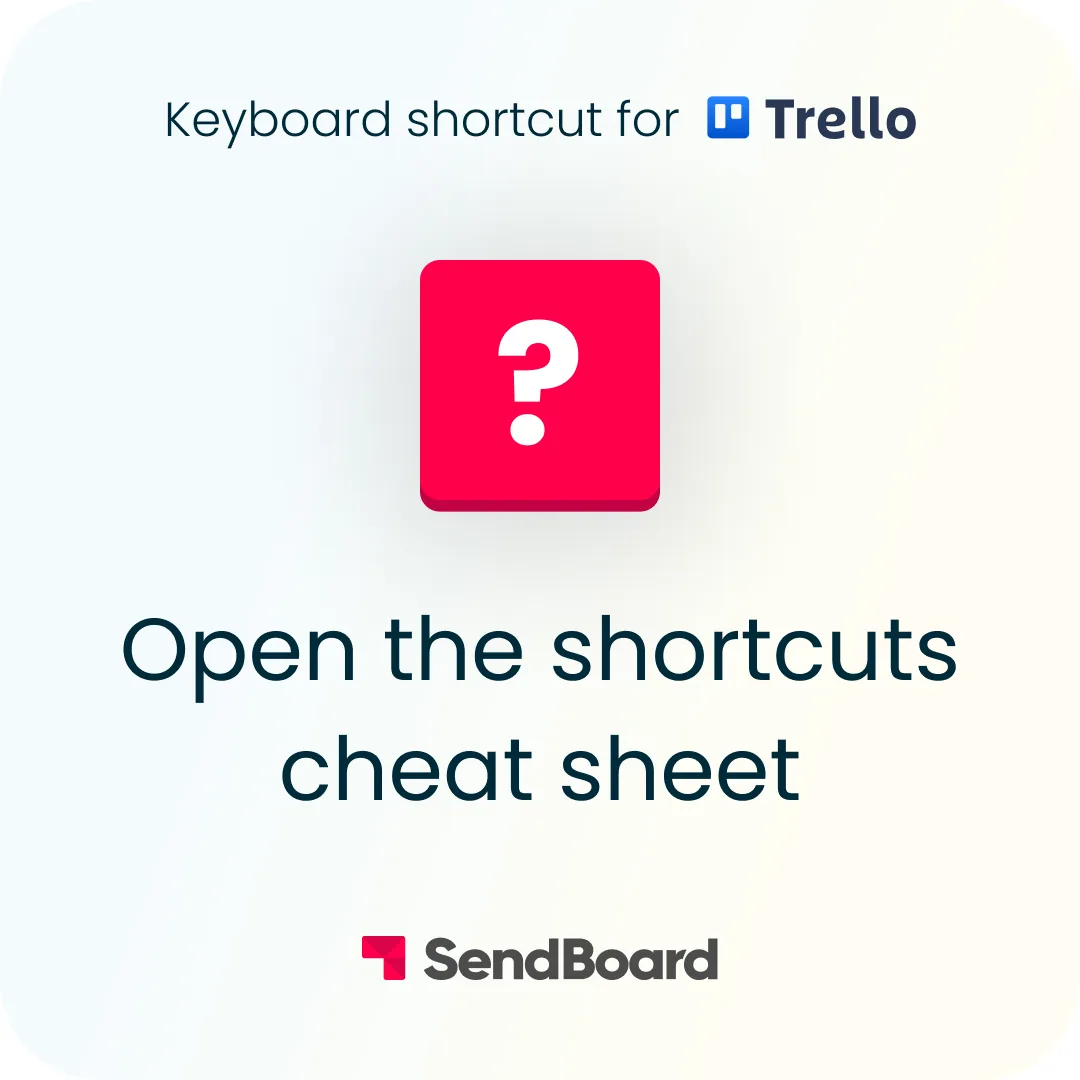
Forgotten a Trello shortcut? Open a list of built-in Trello shortcuts by using the question mark (‘Shift’ and ‘?’).
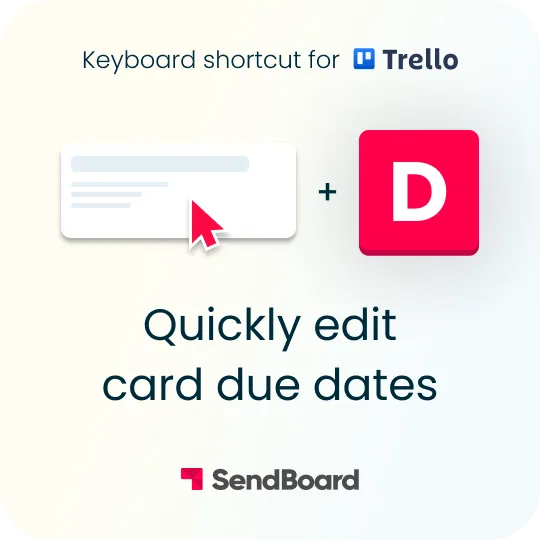
Quickly edit the due date on a card. Hover over a Trello card and hit ‘D’ on your keyboard to change the due date and time.
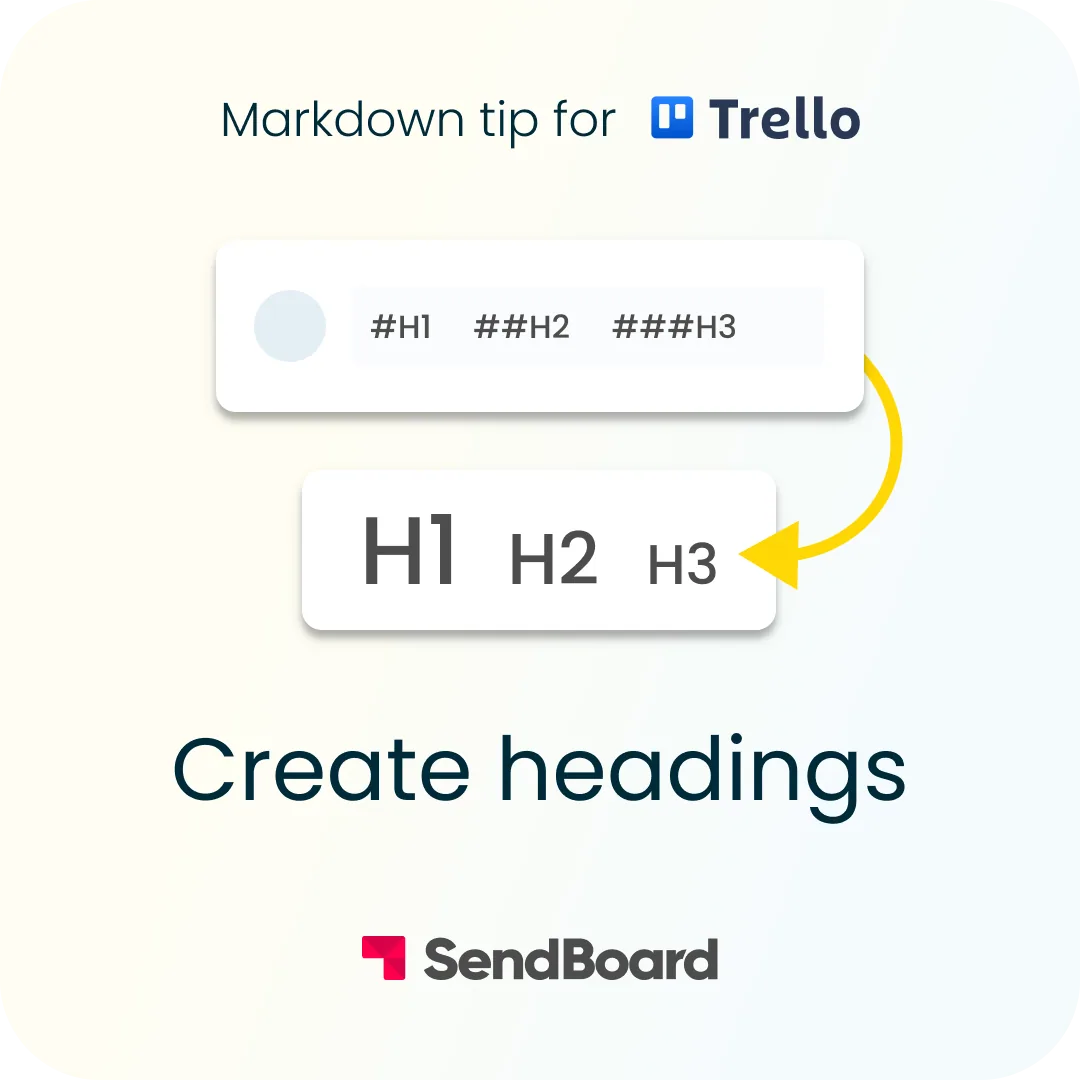
Use markdown to format your text with headings in Trello. Simply add up to six hash signs (#) before your text.
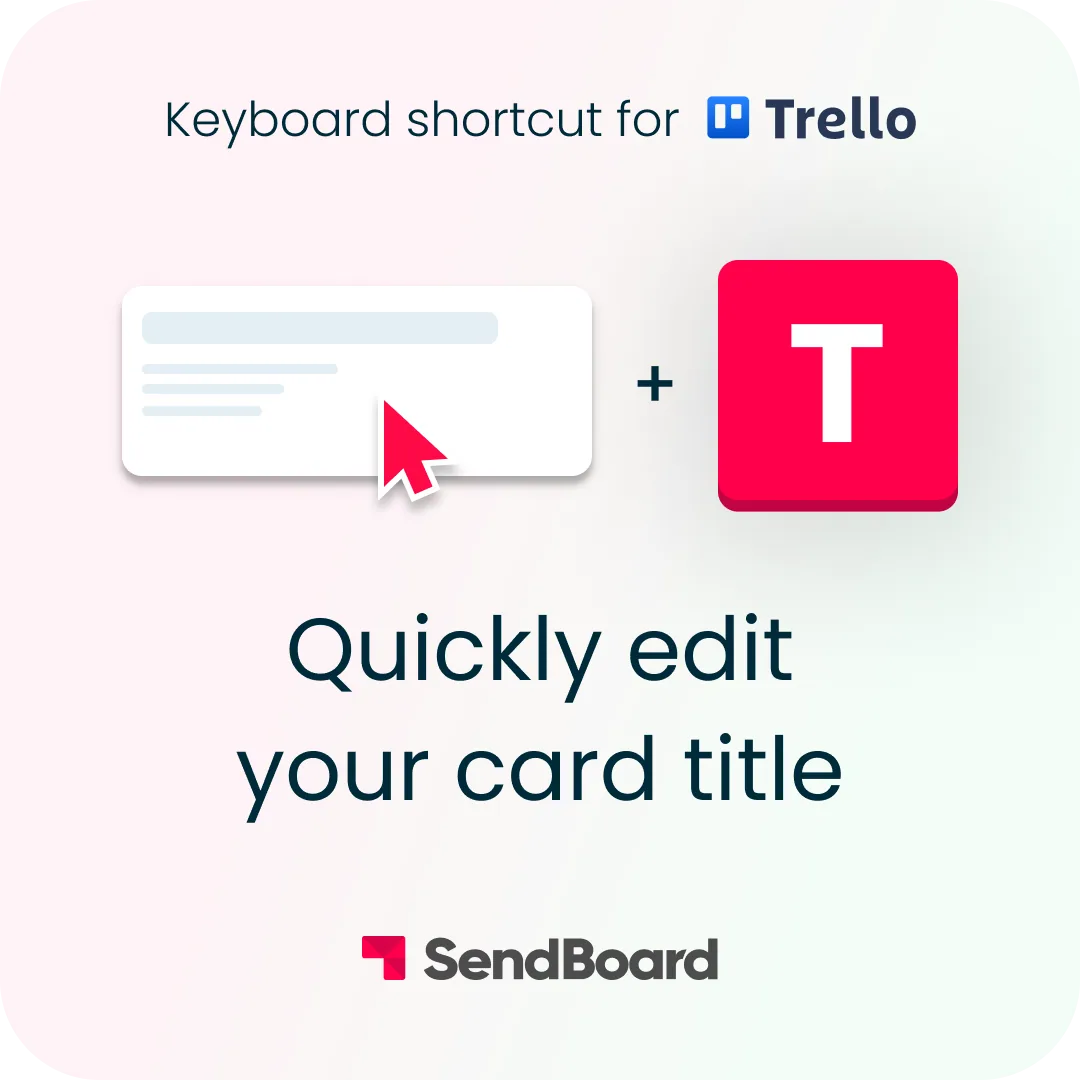
Quickly edit the title on any Trello card. Hover over a Trello card and press ‘T’ on your keyboard to open the card and edit the title.
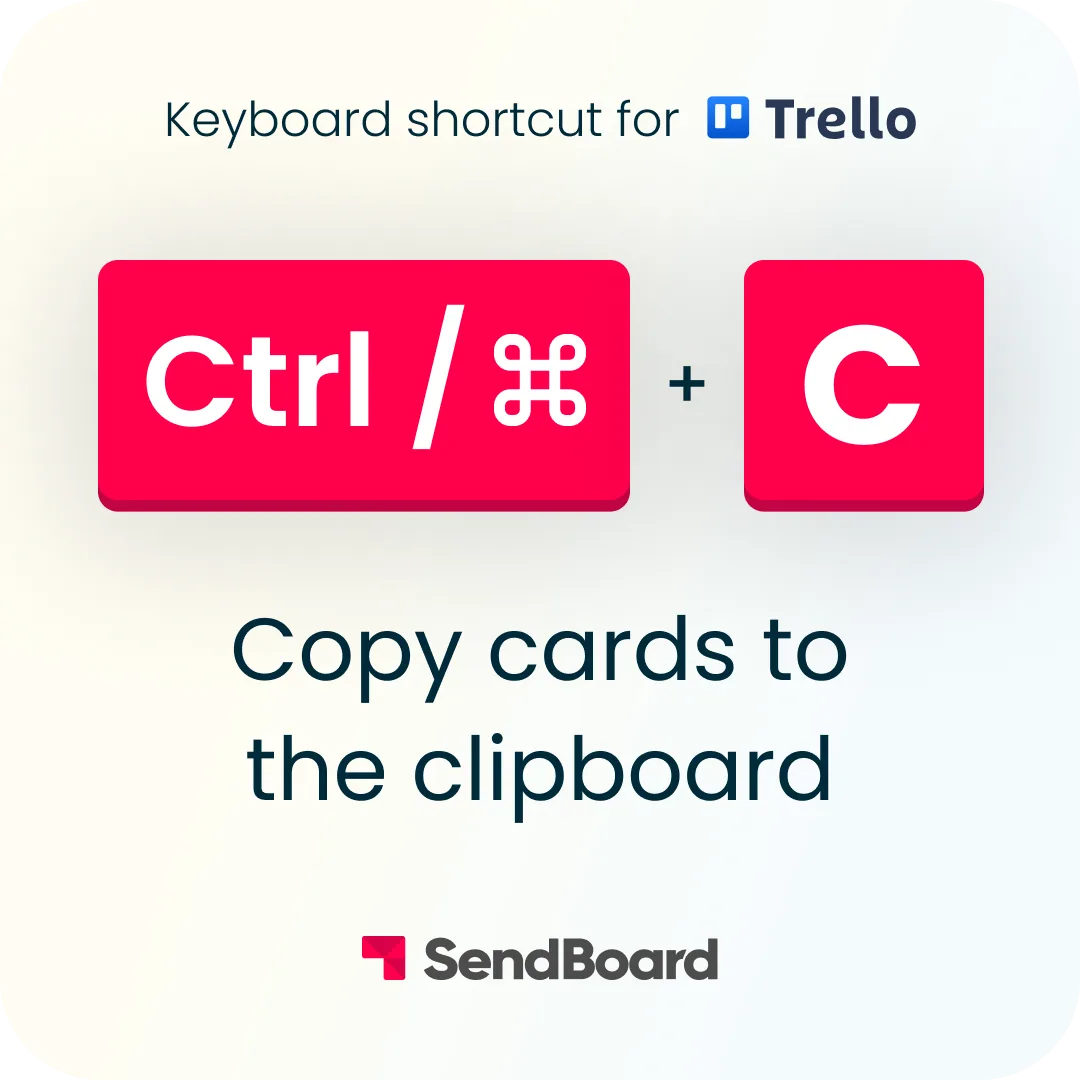
Need to duplicate a Trello card? Just use your keyboard to copy it! When you’re ready, you can simply paste it into any list.
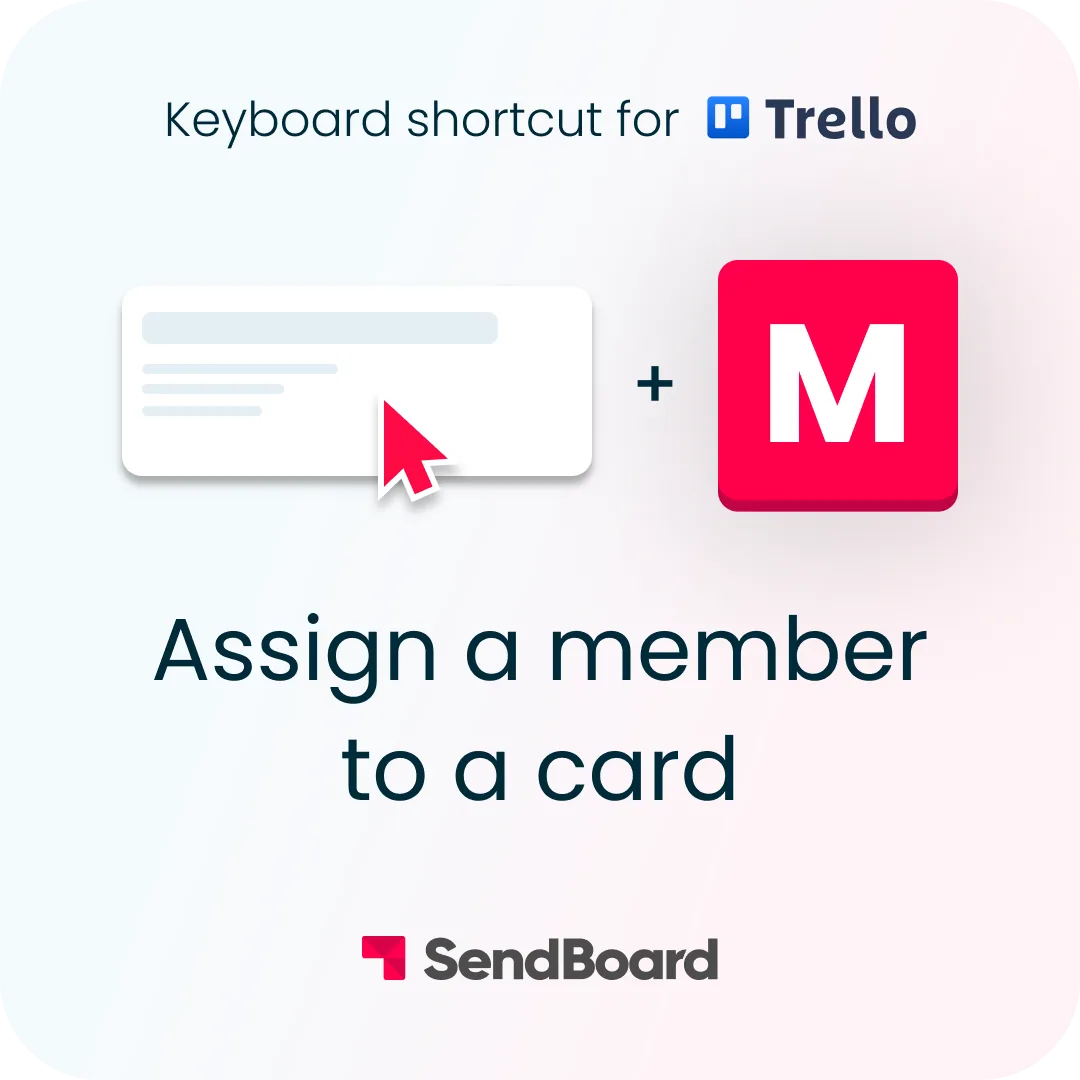
Need to add a member to a Trello card? You can quickly assign a team member to a Trello card with this keyboard shortcut.
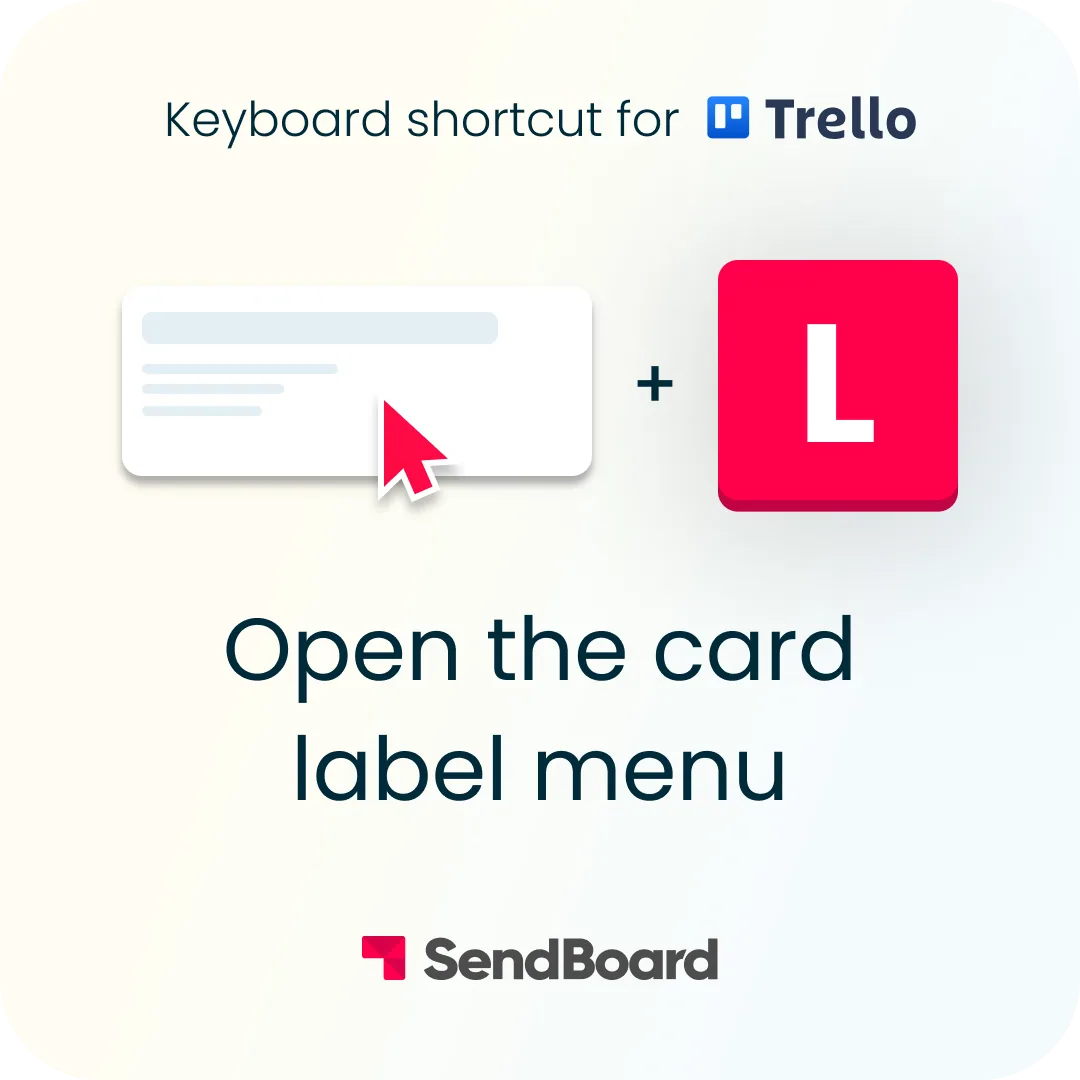
Need to add, change or create a new label? You can quickly open the card label menu with this Trello keyboard shortcut.
Looking for something specific on your Trello board? Quickly find what you need with the Trello filter and search function.
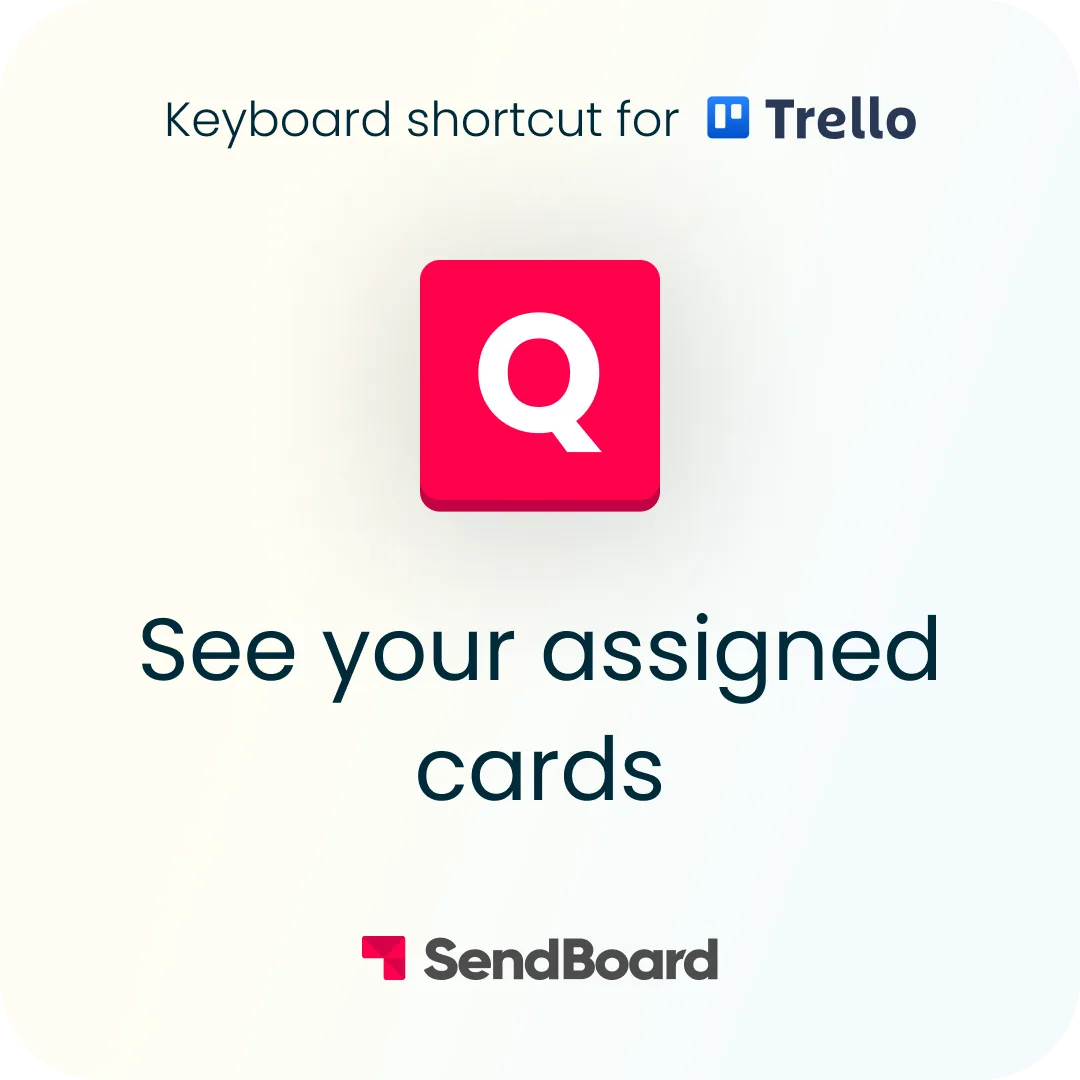
Need to find what cards you’re on? Quickly view which cards you're assigned to with this Trello keyboard shortcut.