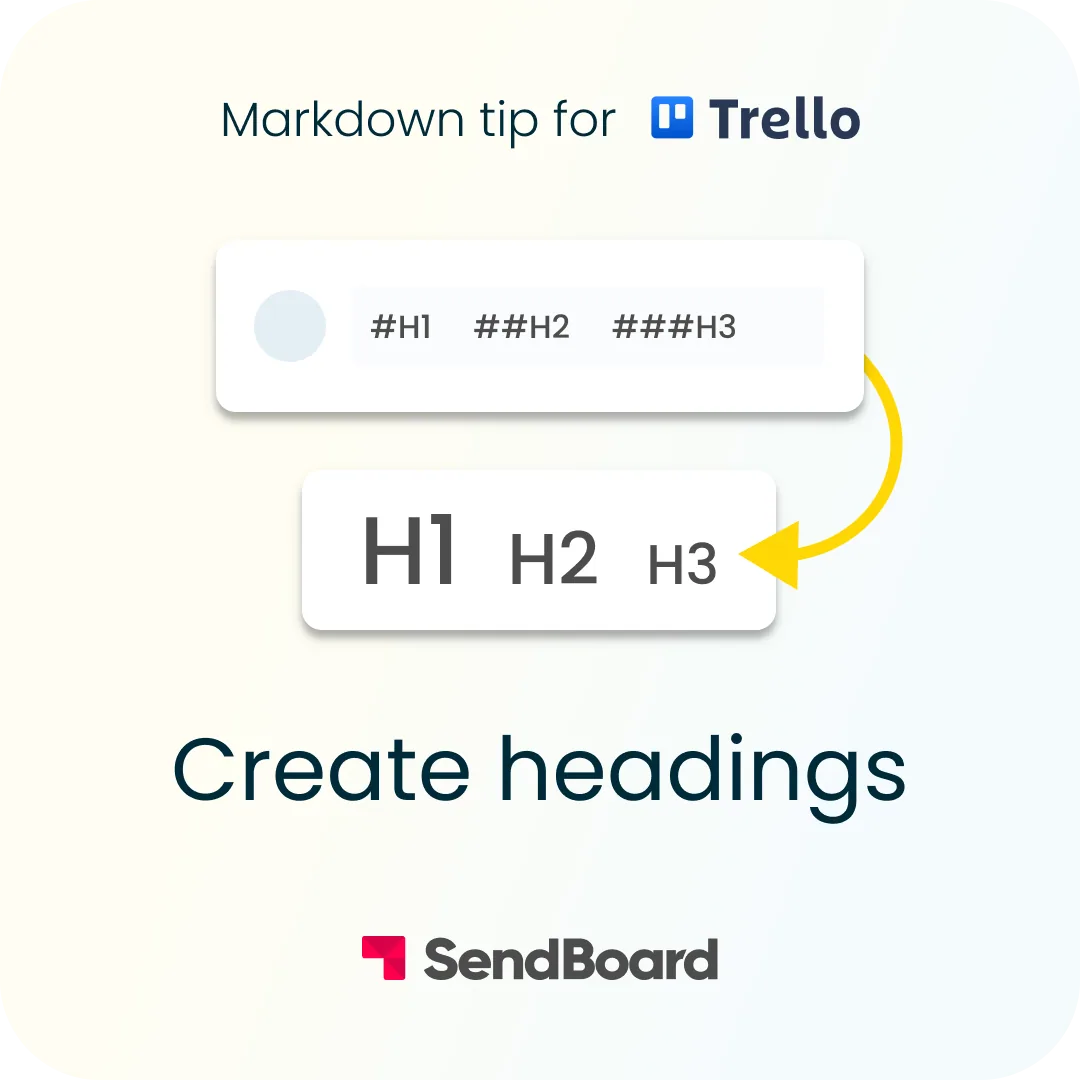
Create headings
Format your text with headings in Trello
To add headings, simply add up to six hash signs (#) before your text. The more # signs, the smaller the heading size.
Want more Trello tips?
Save our Trello Cheatsheet to keep these shortcuts handy.
Plus, check out the Email for Trello blog for in-depth Trello articles, detailed automation guides, and more!
For example: