Welcome to your new inbox
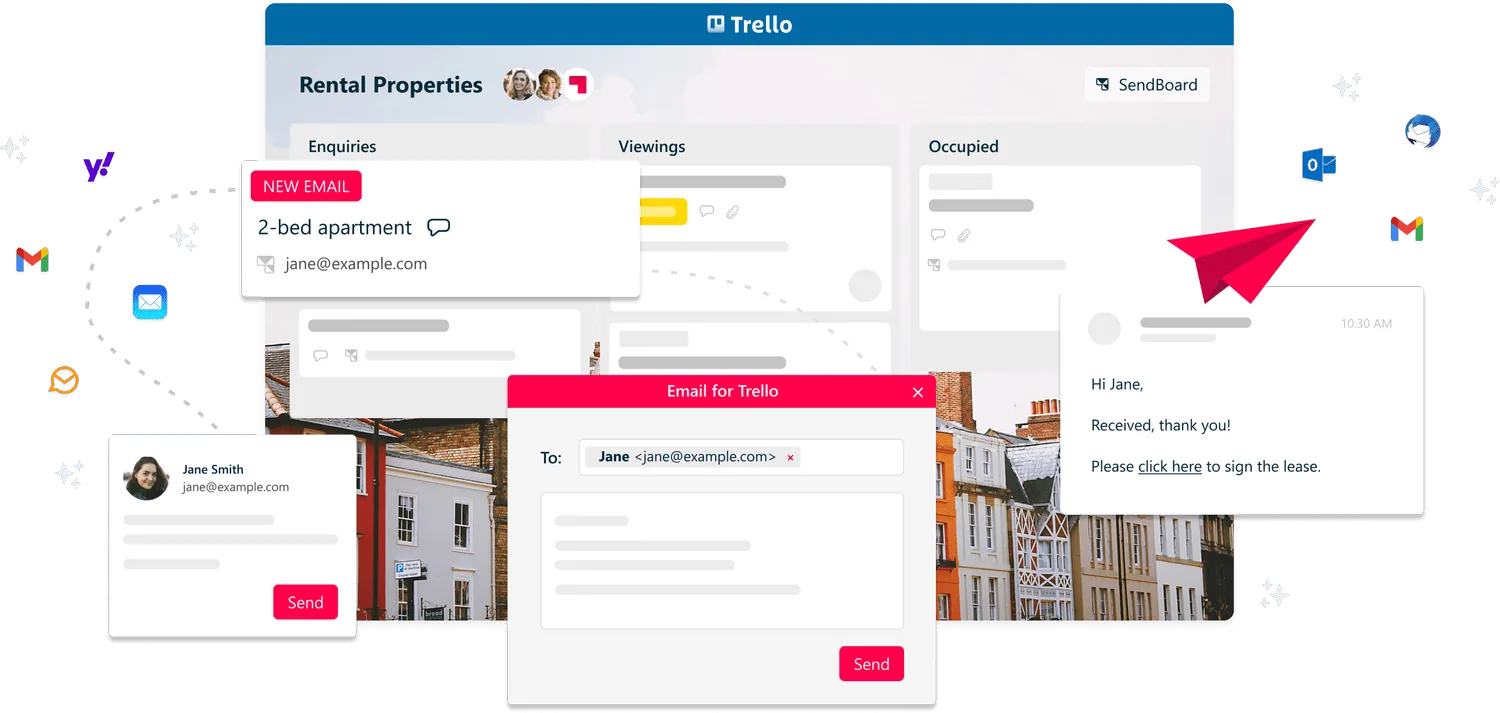
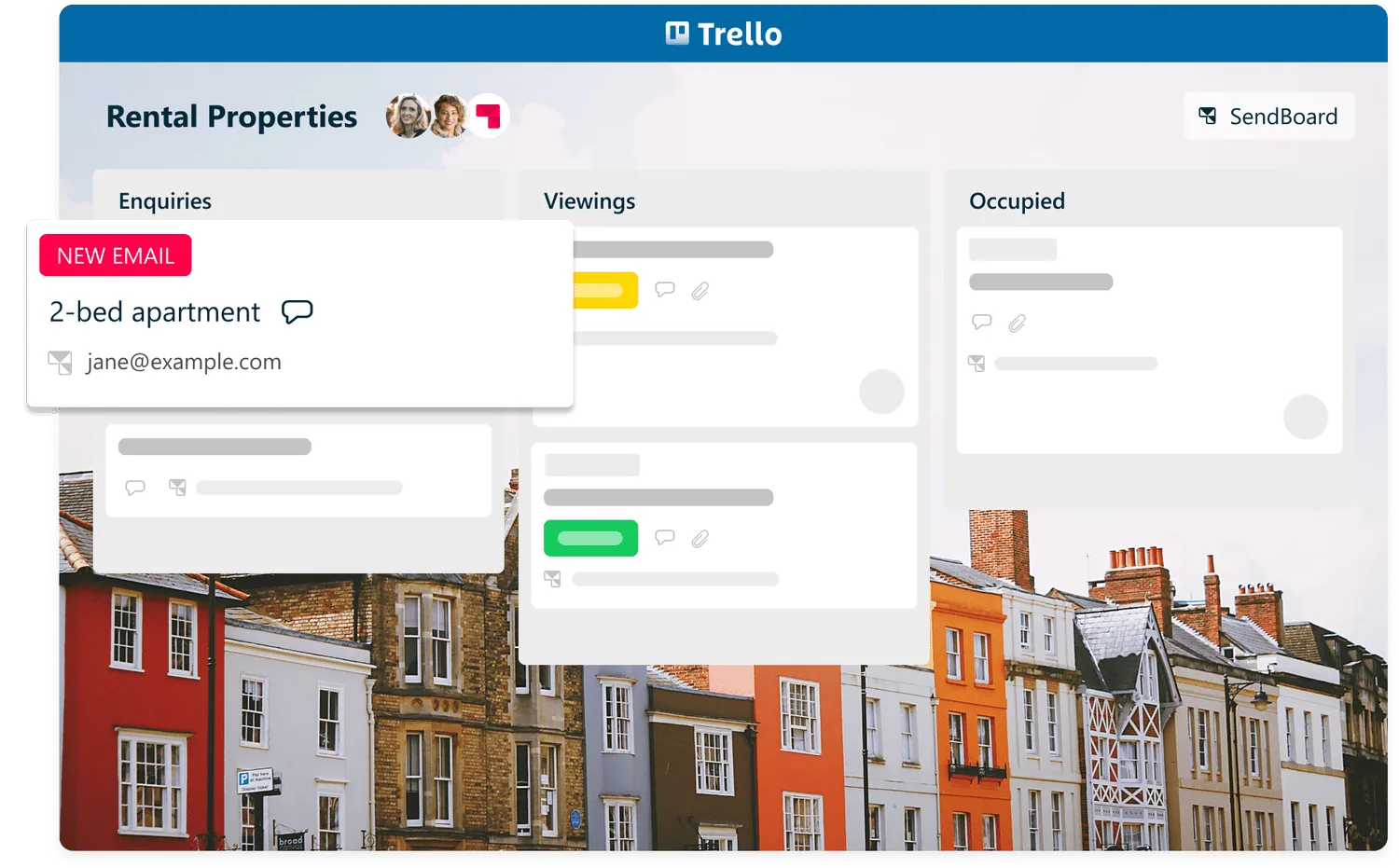
Emails arrive as new cards so that you can visualize your tasks and appointments at a glance. Receive all your emails in one place – even if you manage landlords, tenants and suppliers for multiple properties.

USE CASE
Transform your shared inbox into a shared workspace! Manage your rental listings, and facilitate communication between landlords, tenants and suppliers – without ever leaving Trello.


Receive emails in Trello
Emails arrive as new cards so that you can visualize your tasks and appointments at a glance. Receive all your emails in one place – even if you manage landlords, tenants and suppliers for multiple properties.
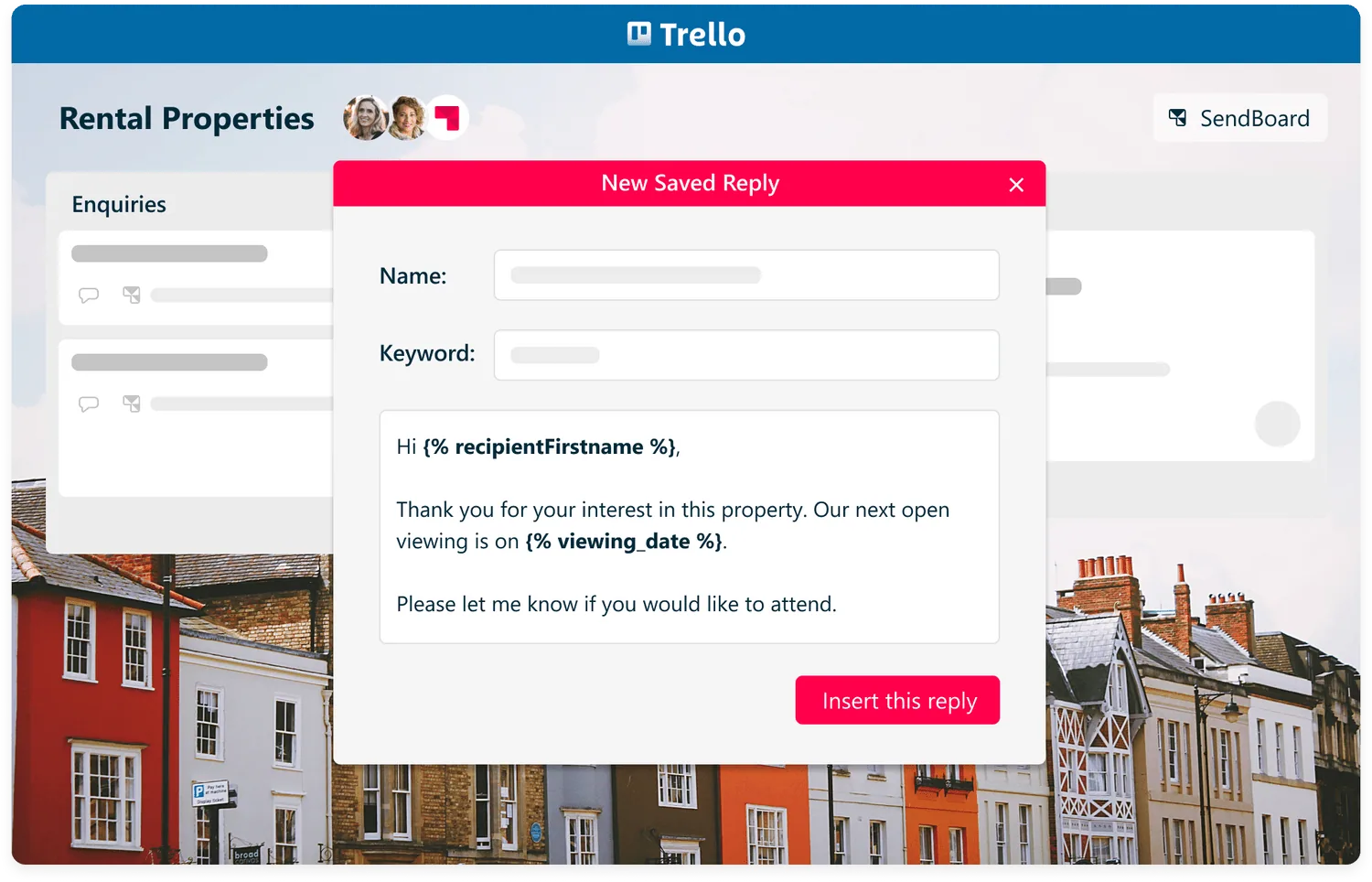
Saved Replies
Got lots of similar queries? Avoid errors and focus on what matters with Saved Reply templates. For example:
Send out property viewing information to interested parties
Request documentation from prospective tenants
Notify current tenants of upcoming annual inspections
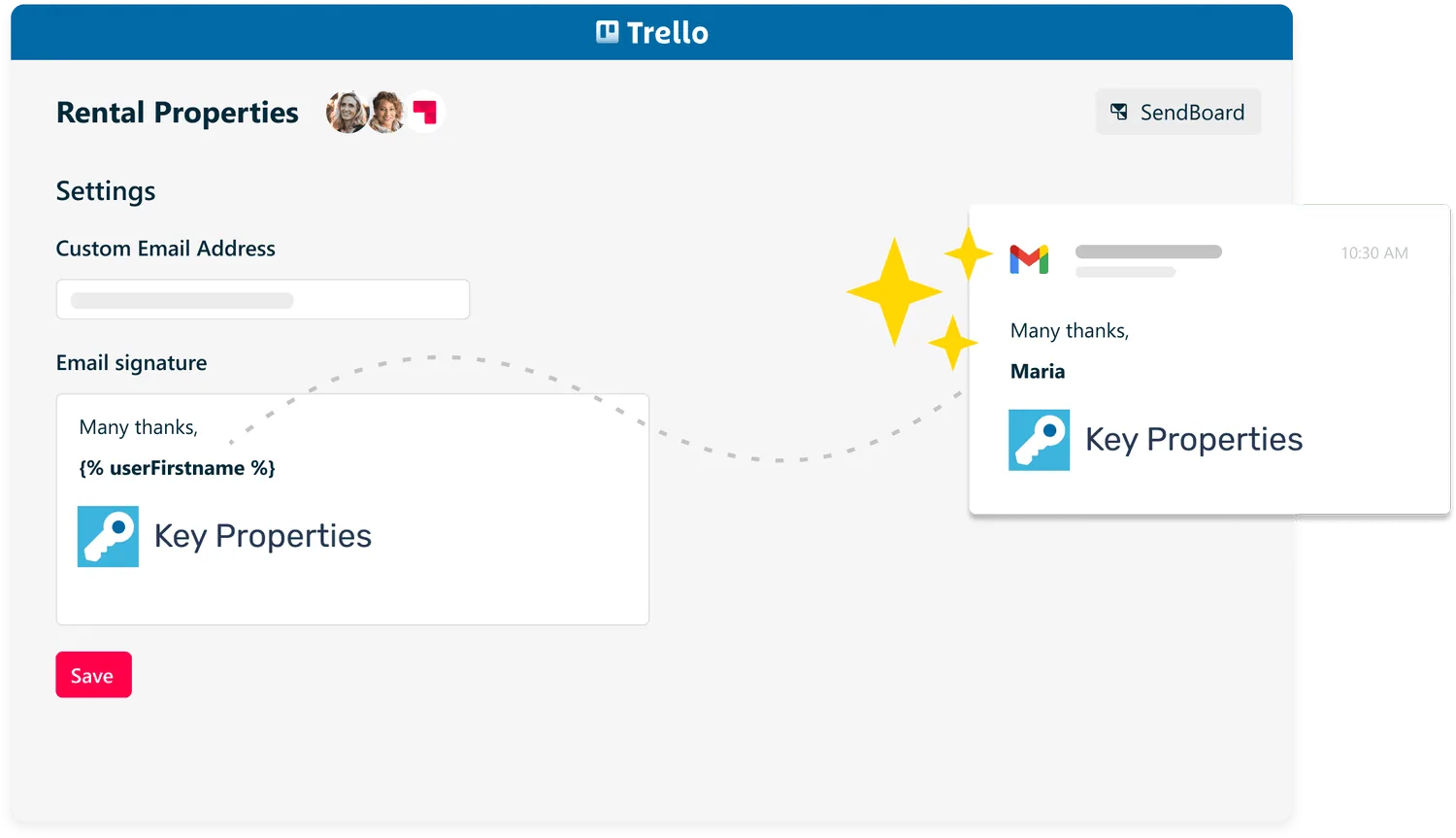
Signatures
Your email signature is a small space that makes a big impact! Keep your contact details front and center with a custom email signature.
— Scott Friesen, Simpletivity

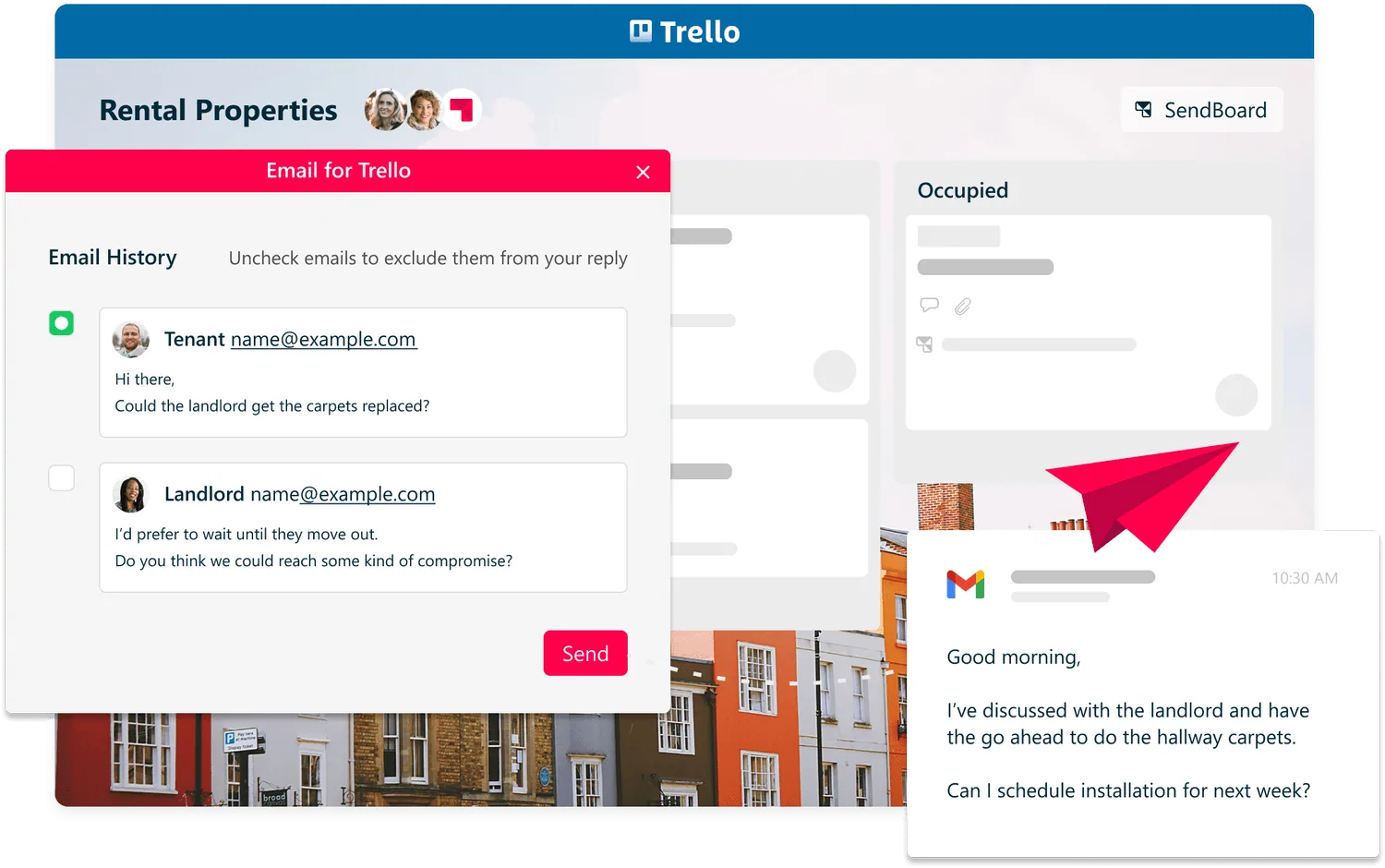
Threaded conversations
Choose the message history you want your recipients to see. Great for managing complex conversations between multiple stakeholders like landlords, tenants and tradespeople.
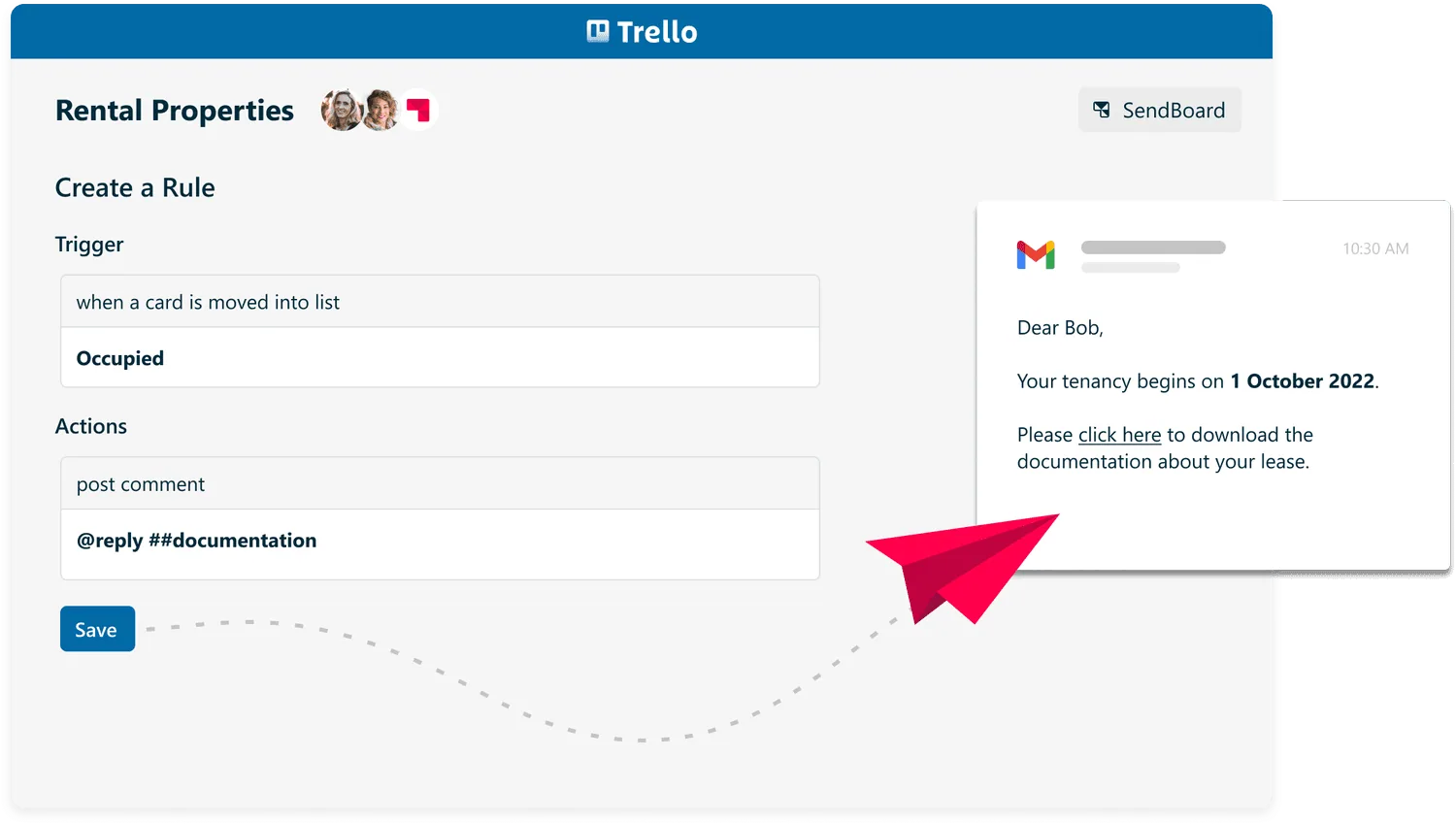
Reply with Trello automations
Use Trello rules to send out templated emails and keep on top of admin. Less time spent typing means more time for meaningful work! For example:
Send a confirmation email with the relevant property documentation when you drag a card into “Occupied”
Automatically add a pre-populated checklist when a card reaches a certain stage in your workflow
Send a follow-up email after 48 hours
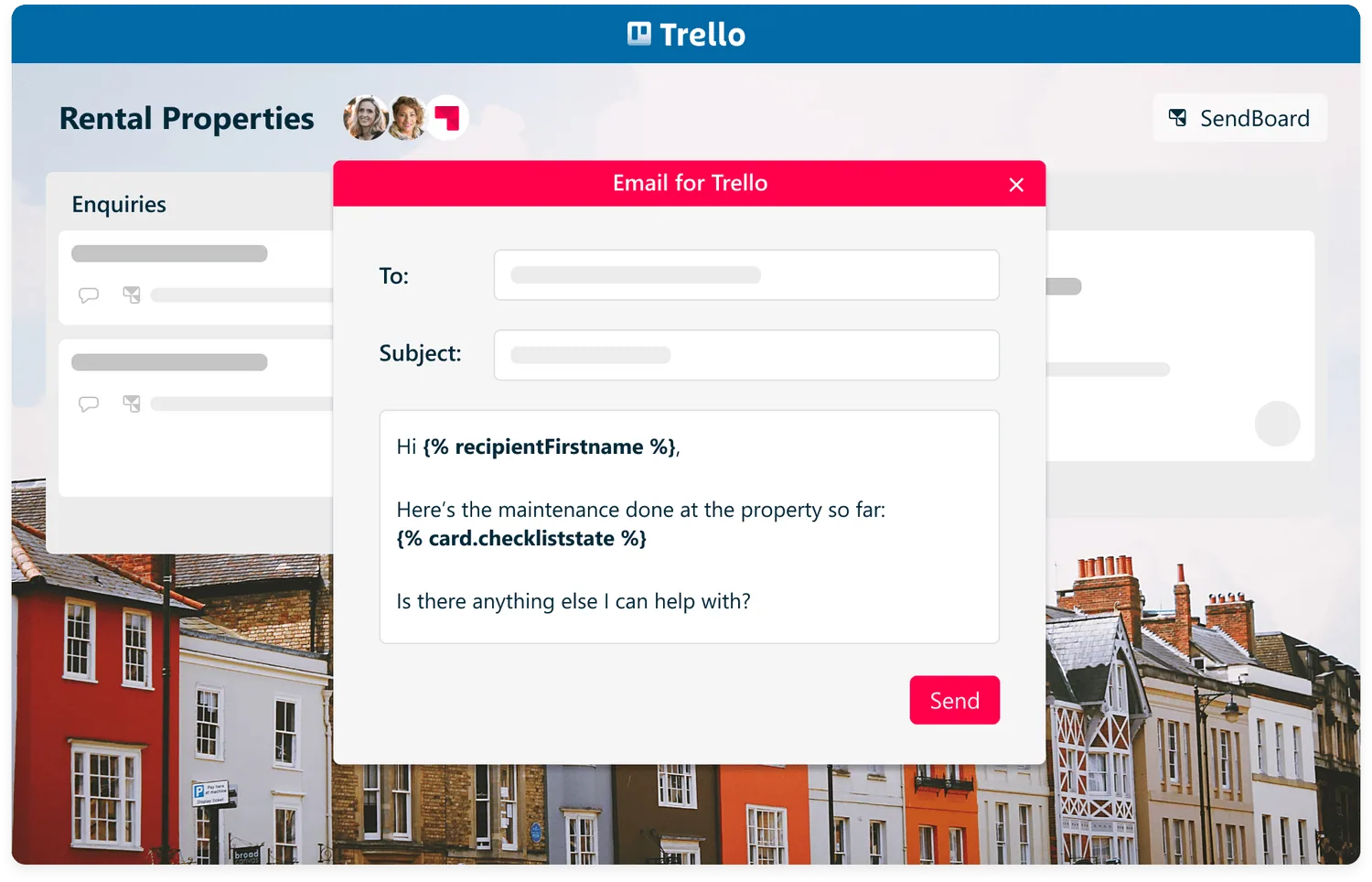
Variables
Use variables to insert Trello content, contact names and Custom Fields into your emails. Each variable will be automatically populated with the relevant value when you hit send.
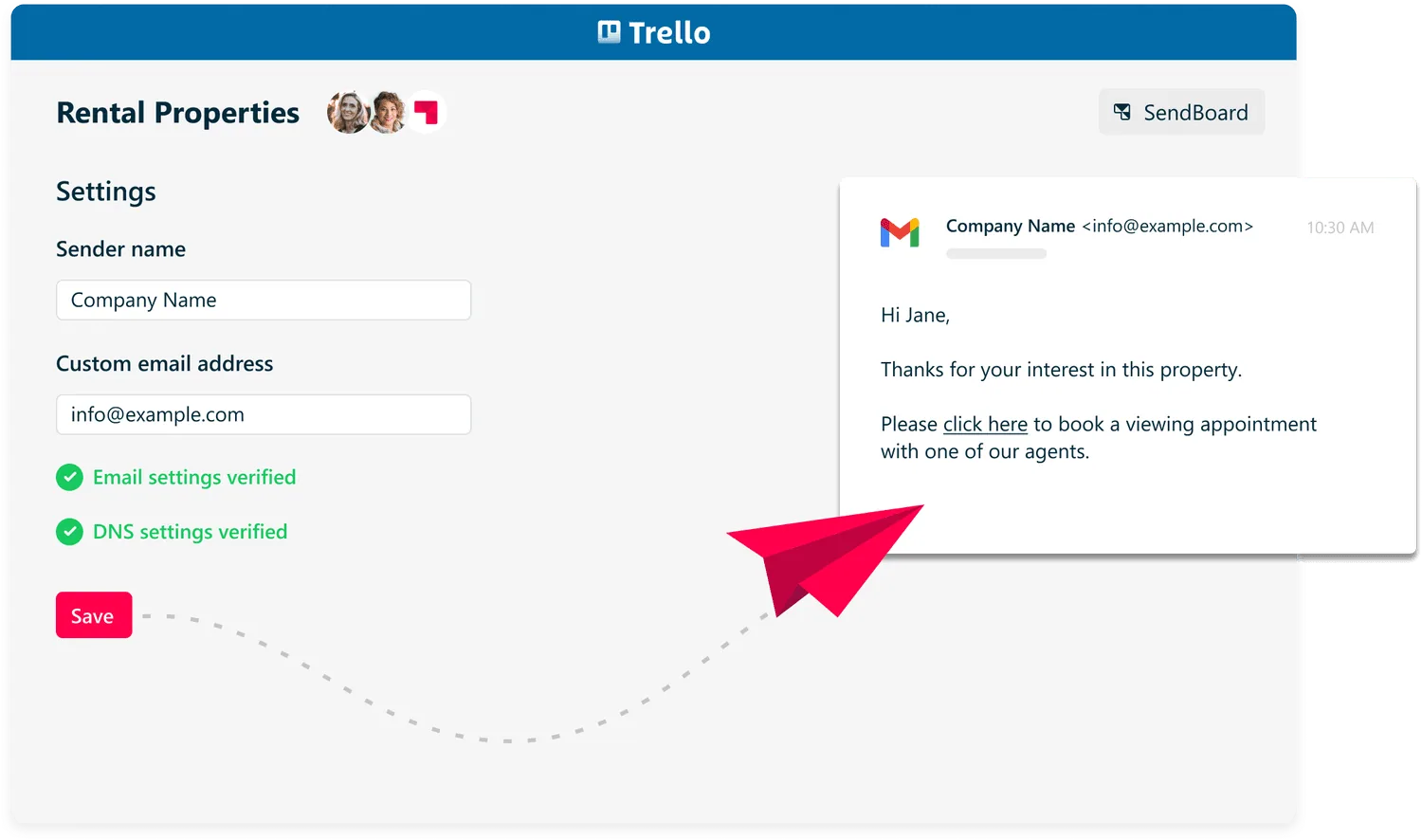
Custom from/send address
Boost trust and recognition by sending emails from your own custom domain. Simply link up your own email address to your Trello board to get started.