Welcome to your new inbox
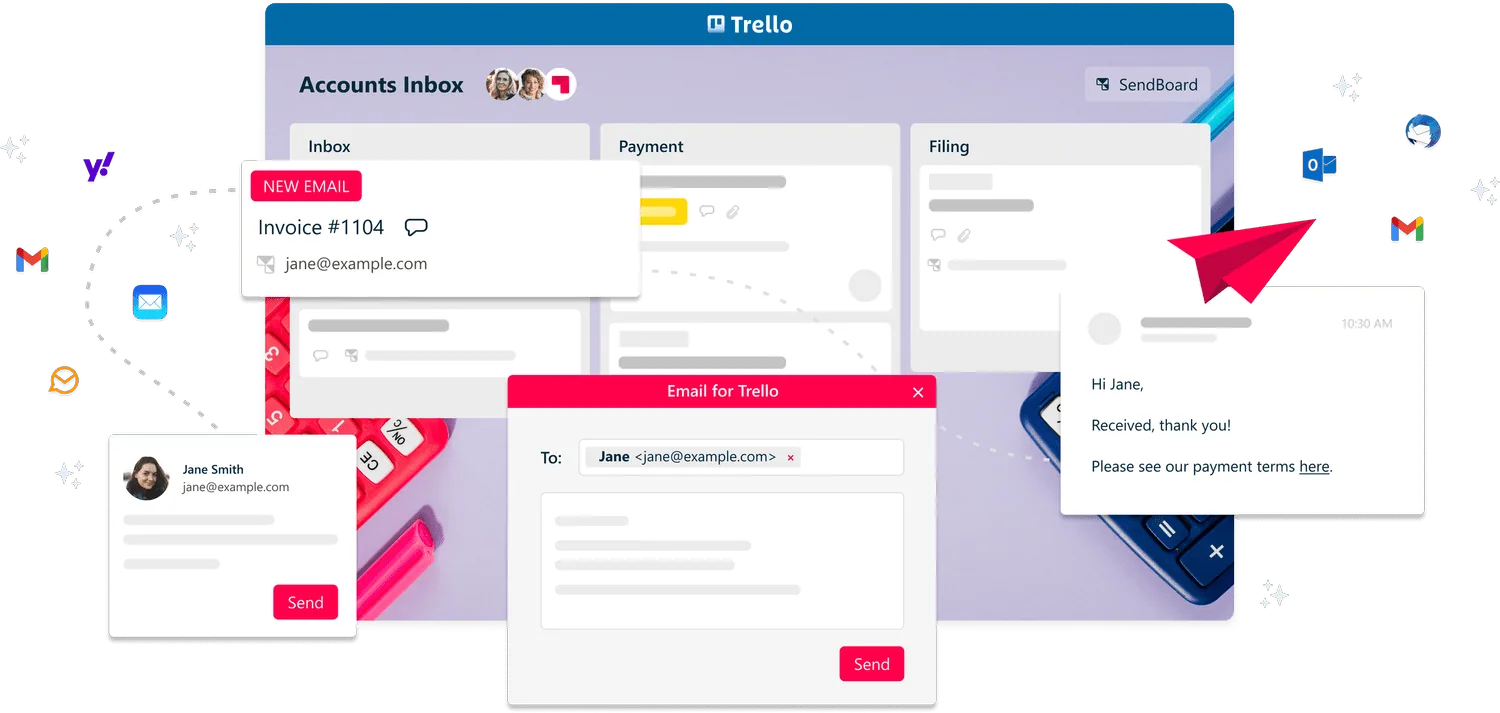
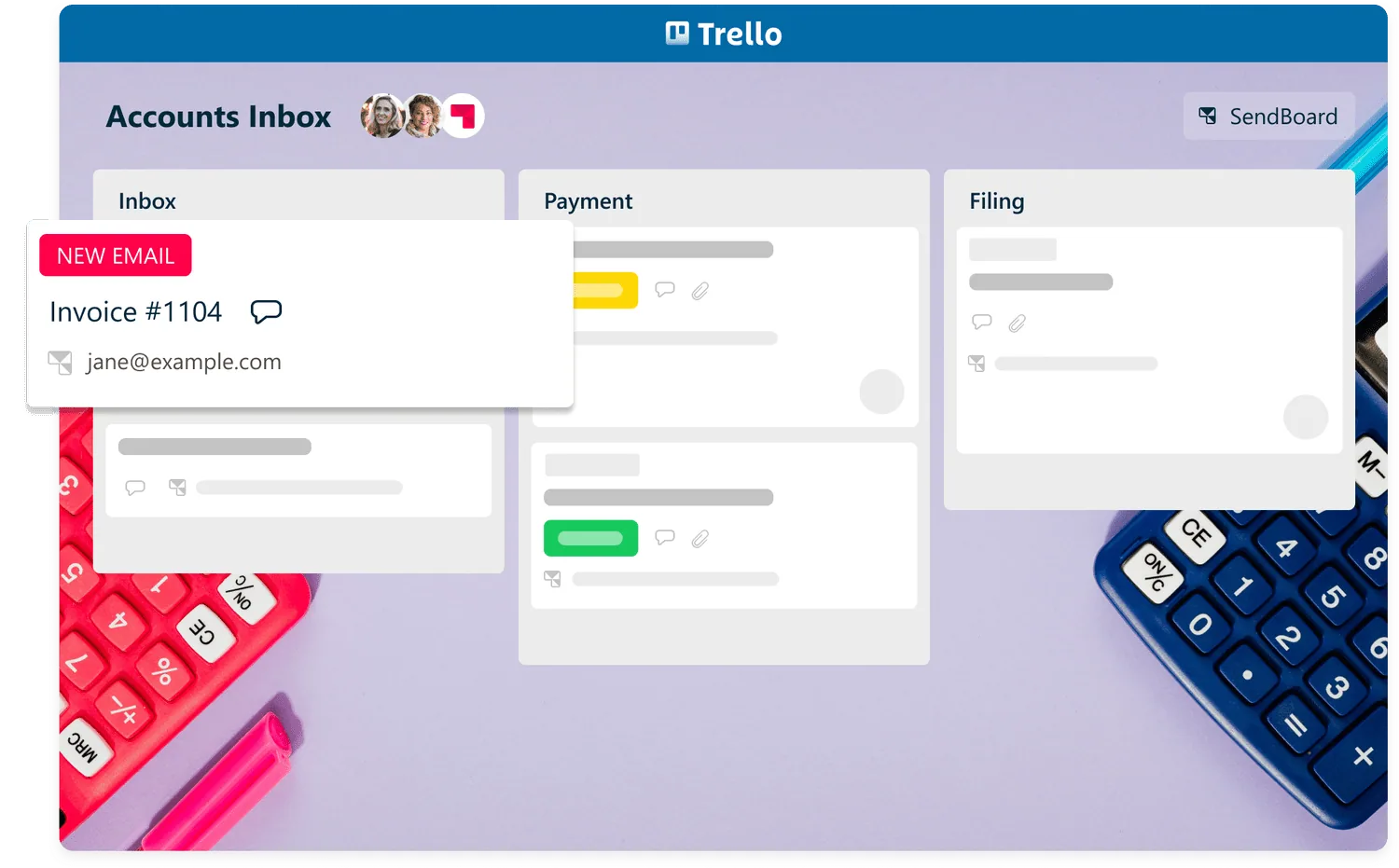
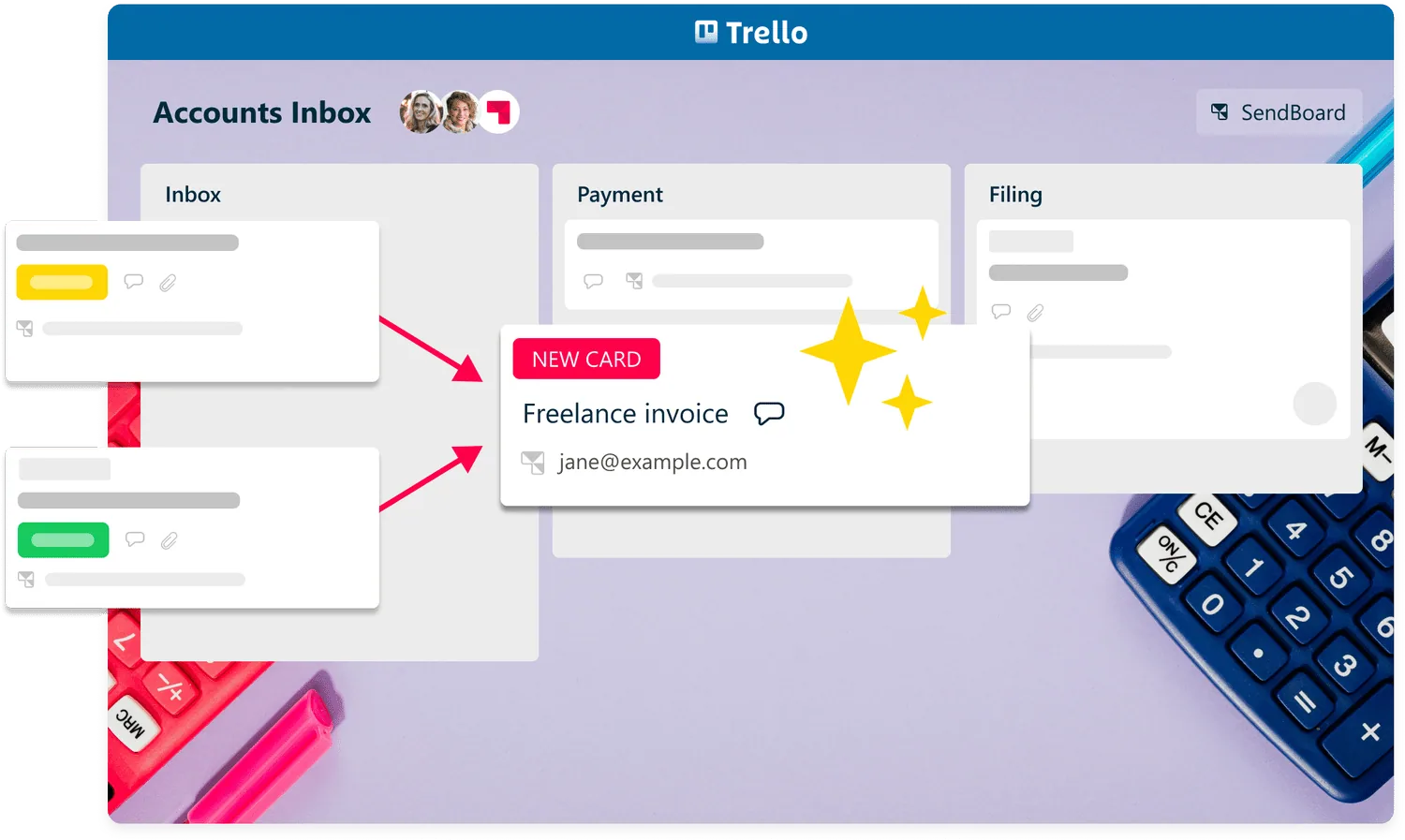
Connect a shared accounts address (e.g. accounts@example.com) to receive all your incoming bills and invoices as new Trello cards. The whole team can see everything at a glance – no more wondering where invoices stand!

USE CASE
Transform your finance processes in Trello! Quickly process invoices and get an overview of your bills in one central dashboard – right from receipt to payment and filing.


Receive emails in Trello
Connect a shared accounts address (e.g. accounts@example.com) to receive all your incoming bills and invoices as new Trello cards. The whole team can see everything at a glance – no more wondering where invoices stand!
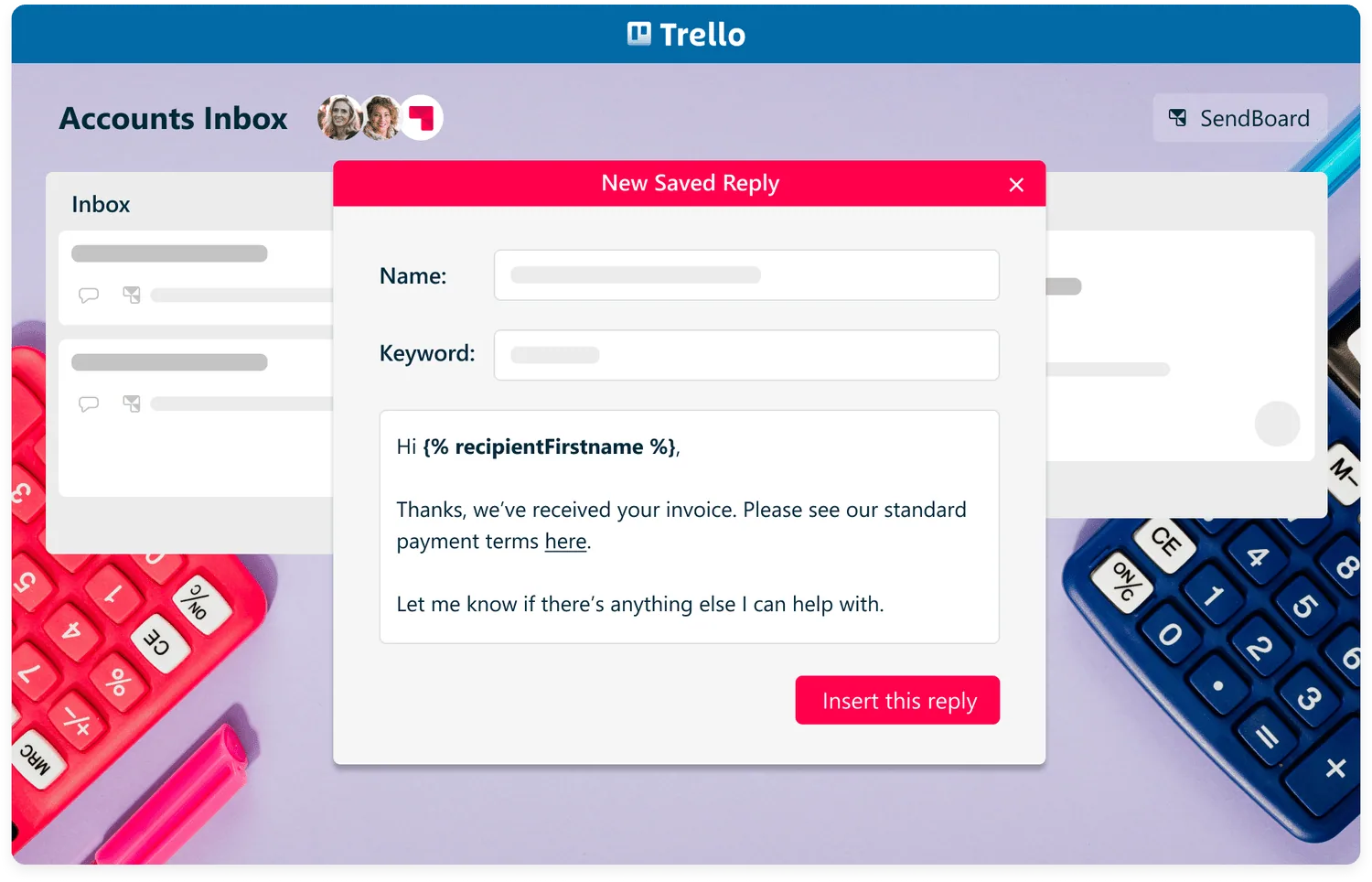
Saved Replies
Dealing with lots of similar emails? Need to confirm receipt or payment of bills? Avoid errors and offer quick responses with Saved Reply templates.
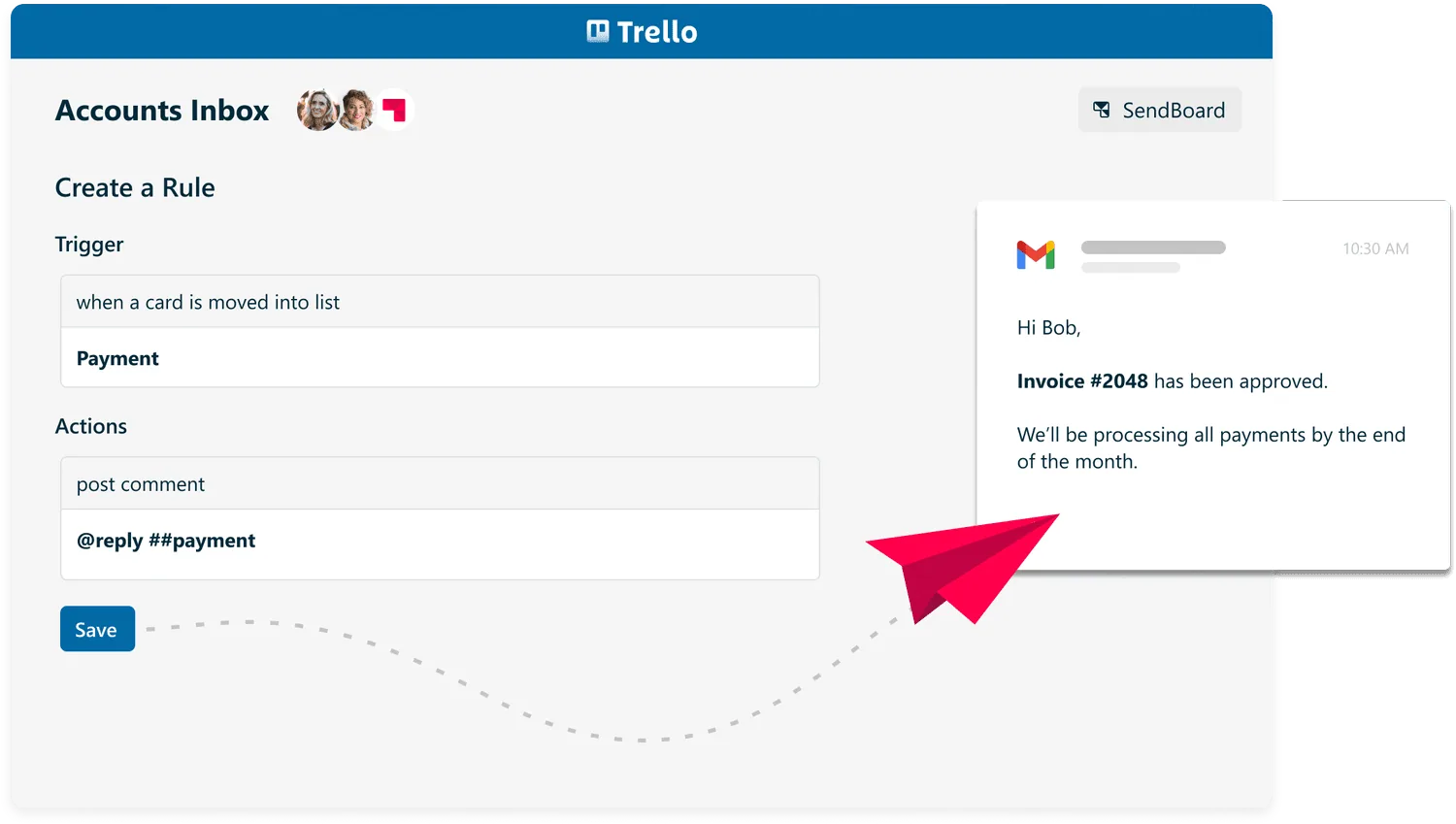
Reply with Trello automations
Use Trello rules to automatically send out templated emails or perform tasks based on triggers. Less time spent typing and organizing means more time for meaningful work! For example:
Send a payment notification when you drag a card into the “Payment” list
Create your own “Invoice received” button to send an email with one click
Automatically archive cards that have been in your “Done” list for more than 5 days
— Chris Marts, ABC Creative

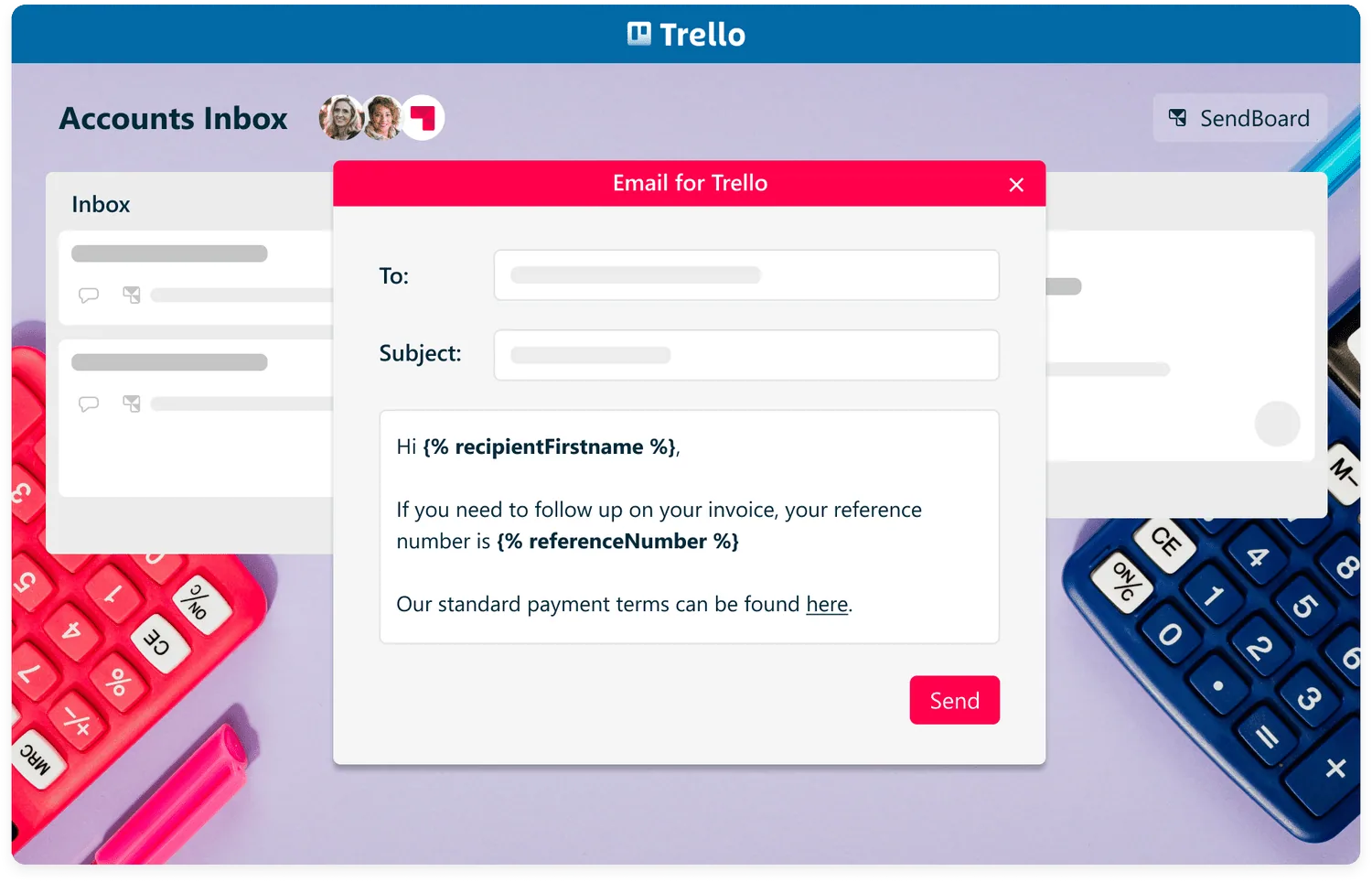
Variables
Use variables to insert Trello content, contact names and Custom Fields into your emails. Each variable will be automatically populated with the relevant value when you hit send.
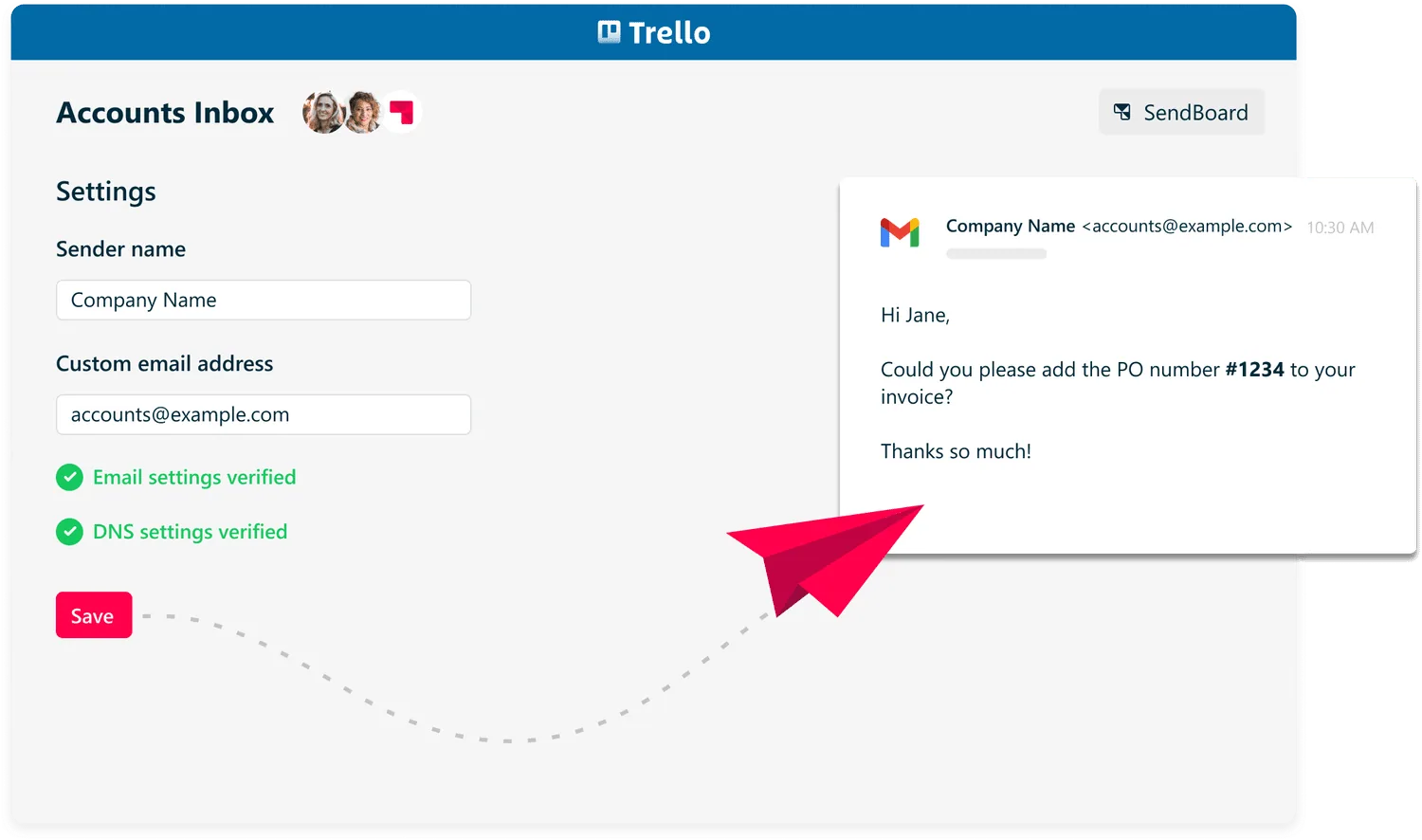
Custom from/send address
Control the reply-to address for your contacts. You can receive emails to your own SendBoard subdomain (e.g. accounts@example.sendboard.com) or choose to use your own email address.
Merge cards
Got two email conversations about the same invoice? Combine cards effortlessly with our Merge Card wizard.