Copy a card to the clipboard
Need to duplicate a Trello card? Just copy it
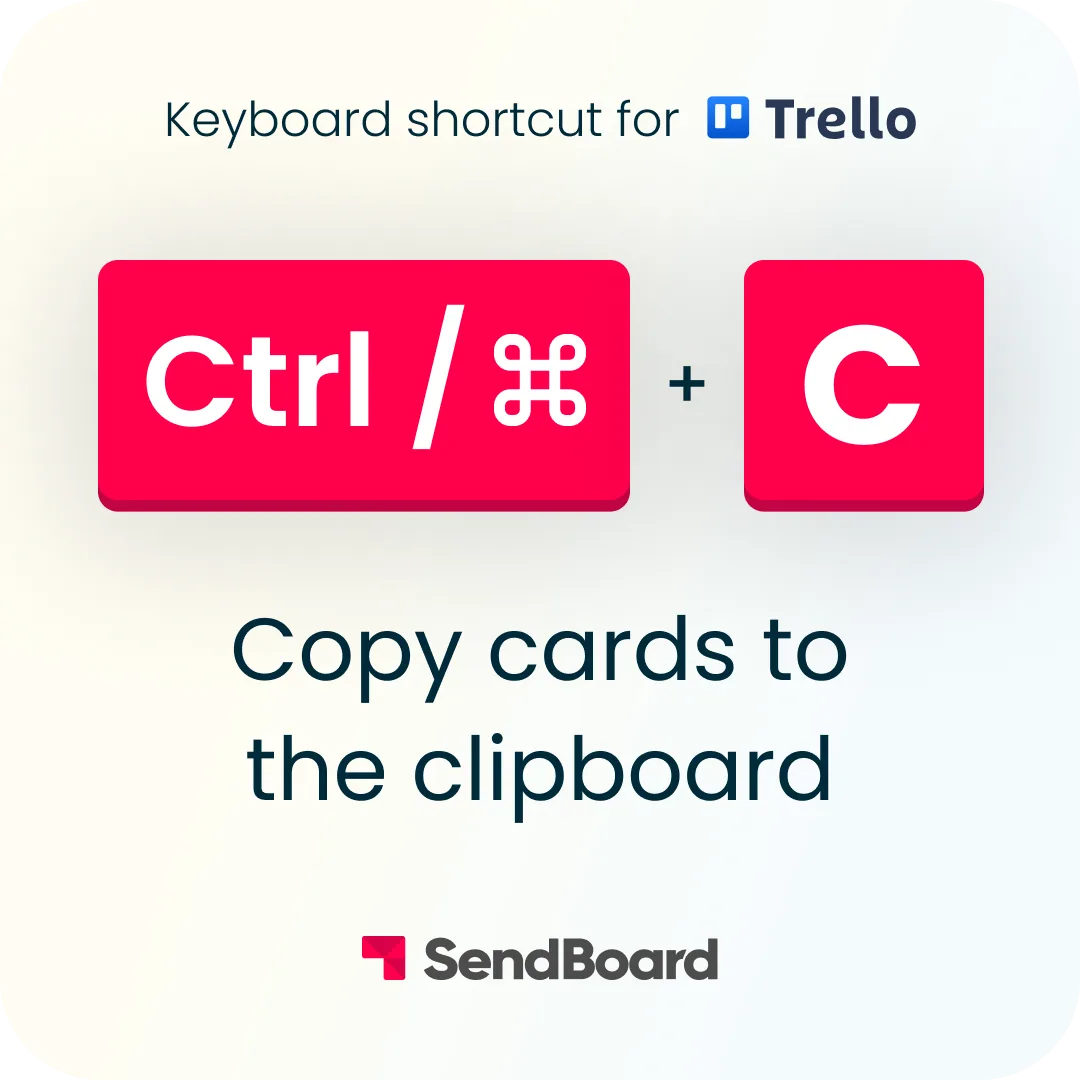
To copy a Trello card to the clipboard, hover over it and press ‘Ctrl/Cmd’ and ‘C’. When you’re ready to paste it to a list, hit ‘Ctrl/Cmd’ and ‘V’.
Want more Trello tips?
Save our Trello Cheatsheet to keep these shortcuts handy.
Plus, check out the Email for Trello blog for in-depth Trello articles, detailed automation guides, and more!