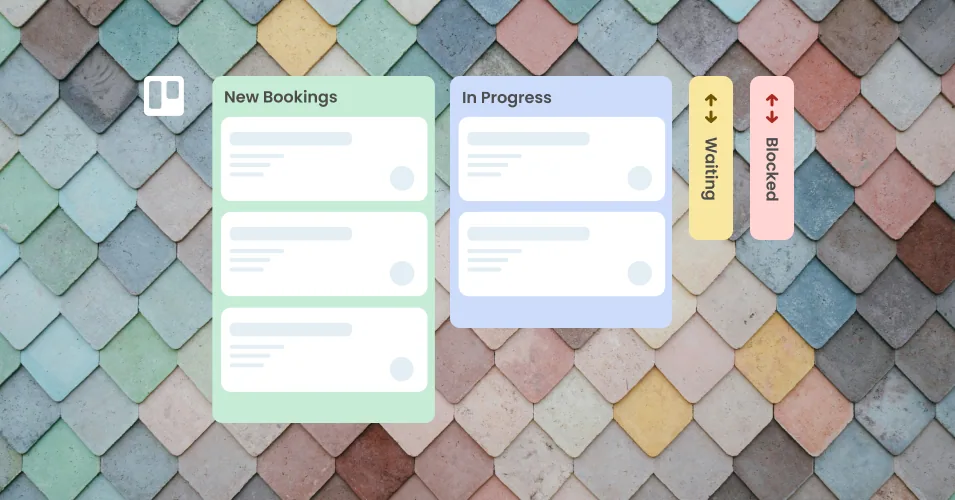
Set a due date when a card is added to a list
Automatically set a due date when a card is added to a list in Trello
Use an automation rule to set a due date for every new card in a list.
New to Trello automation? Check out our beginner’s guide to Trello automation to get started. Plus, find out more about automating emails with the Email for Trello Power-Up.
1. Set up the trigger
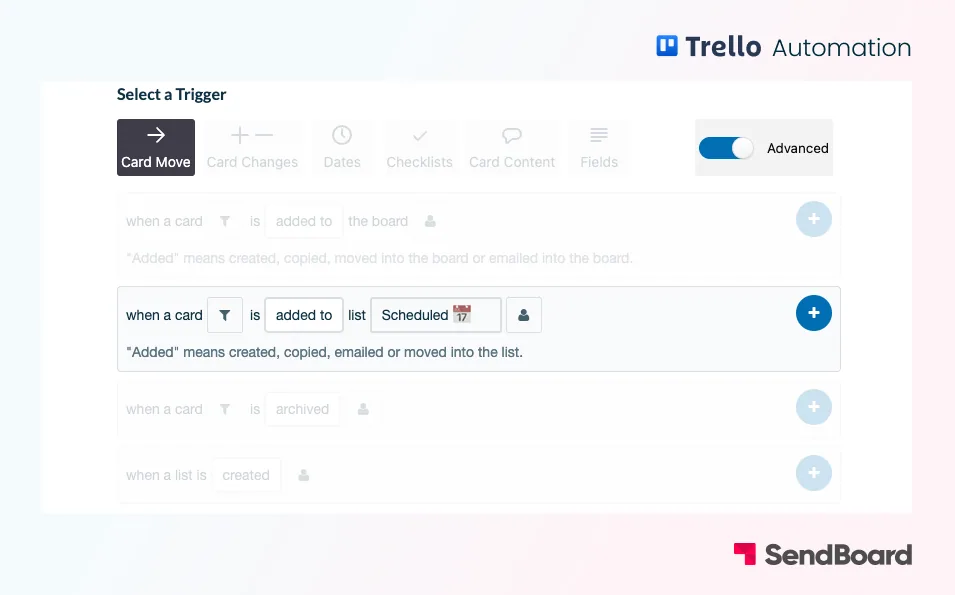
Trigger: When a card is added to list “Scheduled”
2. Select the action

Action: Set due date in 4 days