Lightweight ways to customise Trello
Seven simple ways to customize Trello, so your boards stay clear, fast, and easy to run.
Read More: Lightweight ways to customise Trello
Seven simple ways to customize Trello, so your boards stay clear, fast, and easy to run.
Read More: Lightweight ways to customise TrelloAutomate emails from Trello based on custom dates, so that your team can stay on top of follow-ups, reminders, and updates.
Read More: Automate emails in Trello based on due datesLearn how to use pattern matching with regex and wildcards in Trello to create more complex automations for your email workflow.
Read More: Trello's hidden automation features! [Complex pattern matching]Butler rules, buttons, scheduled commands, and recipes to set up today.
Read More: The Complete Guide to Trello Automation in 2026Get inspired and streamline your Trello help desk with our top 10 list of Power-Ups for customer support teams in 2026.
Read More: Top 10 Trello Power-Ups for support teams in 2026We explore 6 ways to use video in your email workflow to connect with your team and clients in a more engaging way.
Read More: 6 nifty ways to use video in your Trello email workflowDo more with email automation in Trello! Use the Trello comment API to automate your emails and replies with SendBoard’s Email for Trello Power-Up.
Read More: How to use the Trello API to automate your emailsCustomize Trello workflows to suit the teams in your organization – and integrate email alongside your to-dos with the Email for Trello Power-Up.
Read More: How to build team-specific workflows with Email for TrelloDiscover our top Trello tips, templates, and automations to help your customer support team ensure fast email replies.
Read More: Improve first response time without hiring more agentsWork smarter, not harder with email automation in Trello! Streamline your customer support workflow with our top 5 automations for help desk teams.
Read More: 5 automations every support team should set upRunning a shared inbox with Email for Trello? Discover our best practices and actionable tips to help your team streamline their email communication.
Read More: Making team email efficient: Best practices with Email for TrelloTransform your small business with Trello and the Email for Trello Power-Up! Organize daily ops, handle customer emails, and manage projects in one visual hub.
Read More: Why Trello is the ideal tool for small businessesUse the Email for Trello Power-Up to merge duplicate Trello cards, and keep your help desk organized.
Read More: How to merge duplicate support tickets in Trello (without losing context)Combine Trello’s new features with the Email for Trello Power-Up, and give your help desk team collaborative superpowers.
Read More: Level up your help desk workflow with the new Trello and Email for TrelloCombine Email for Trello with the Jira Power-Up so that you can keep customer-facing teams in sync with your development team.
Read More: Bridge the gap: How to use Email for Trello and the Jira Power-Up for smoother collaborationTrello’s card mirror feature lets you sync updates on a card across multiple Trello boards. Here’s how to use it for better collaboration.
Read More: New Trello feature: Mirror cards across boardsWhether you're managing projects, CRM, customer support or finances, we show you how transform Trello into the central hub that keeps your business running smoothly.
Read More: A complete guide to using Trello as your business operating systemUnlock your customer support potential with Email for Trello! Here's how strategic contact management can help your support team provide better service.
Read More: 5 ways to improve your customer support with contact management in TrelloUse Kanban and task triage to help your team navigate tricky issue escalation calmly and effectively
Read More: How to manage (tricky) issue escalation in TrelloWith clear priority levels and automated processes, a triage board can help you navigate urgent tasks with ease, ensuring a more productive workflow.
Read More: How to set up a triage board in TrelloConnect your support inbox to Trello to quickly reply to emails, process help tickets, and collaborate with your customer service team.
Read More: 10 ways to become a customer success hero in TrelloSwimlanes are a powerful visual tool for organizing your Trello board. Here’s how to use them for a more streamlined help desk workflow.
Read More: How to use swimlanes for your help desk workflowDiscover how to capitalize on free Kanban board software to improve productivity and enhance your helpdesk management.
Read More: Transform Your Helpdesk with Free Kanban Board SoftwareFind out how implementing Kanban can drastically improve your help desk operations and ultimately bolster customer satisfaction.
Read More: Kanban: The Secret Weapon for Your Help DeskThe efficiency of your email help desk is integral to your business! Boost your productivity with Kanban, a unique method for workflow management.
Read More: Revolutionizing Your Email Help Desk with KanbanManaging a service desk can be challenging, especially when dealing with a high volume of customer requests — Kanban can help.
Read More: Utilizing Kanban Boards for Efficient Service Desk ManagementImplementing and optimizing a Kanban service desk to streamline inbound query management can improve response times and enhance the overall quality of service.
Read More: Managing Inbound Queries: The Power of a Kanban Service DeskKanban can become an invaluable tool in refining your service desk operations. We take a closer look at using it for handling customer inquiries and issues.
Read More: Improve Your Service Desk Performance with KanbanPrompt responses, effective task management, and consistent high-quality service are essential to helpdesk management. Here’s how Kanban can help.
Read More: Leverage Kanban for Streamlined Helpdesk ManagementUse Kanban to monitor ticket flows, identify customer service areas that require improvement, and make data-driven decisions for customer success.
Read More: Why Kanban is the Best Tool for Helpdesk ManagementThe Lean Kanban methodology is a powerful tool that can help you revolutionize the way you manage your helpdesk operations.
Read More: Lean Kanban: A Paradigm Shift for Helpdesk OperationsActionable insights on how to integrate Kanban swimlanes into your small business to optimize helpdesk operations.
Read More: How Kanban Swimlanes Enhance Helpdesk OperationsWe unpack the best practices for implementing a Kanban helpdesk for your customer service team, for better transparency and collaboration.
Read More: Helpdesk and Kanban: Best Practices for SuccessDiscover our top 10 best practices for implementing a Kanban service helpdesk, so that you can foster transparency and collaboration in your team.
Read More: 10 Best Practices for Implementing Kanban in HelpdeskWe show you how to find a Kanban template for your help desk operations and learn how to customize it to suit your business.
Read More: The Ultimate Kanban Template for Help DeskUse email templates in your Kanban helpdesk system to improve communication, save time, and promote transparency and collaboration.
Read More: 10 Email Templates For Your Kanban HelpdeskKanban can significantly enhance your customer service operations. Learn how to implement Kanban into your customer service helpdesk.
Read More: How to Implement Kanban for Customer ServiceSmall businesses are increasingly using the Kanban system to manage their workflows because of its simplicity, adaptability, and effectiveness.
Read More: Managing Ticketing Workflows With KanbanManaging the ebb and flow of service requests in a helpdesk can be a daunting task, but a Kanban approach can help to streamline this process.
Read More: The Benefits of Implementing Kanban in Your Helpdesk WorkflowMake Trello the hub for your business in 2023. Here are 5 essential Trello boards to transform your business workflows.
Read More: 5 Trello boards for your business in 2024Finally take control of your inbox! We take a look at five quick ways to apply inbox zero to your shared email address.
Read More: 5 steps to master your shared inboxTransform your shared inbox into a shared workspace with Email for Trello! Stay organized, respond faster, and keep customers happy.
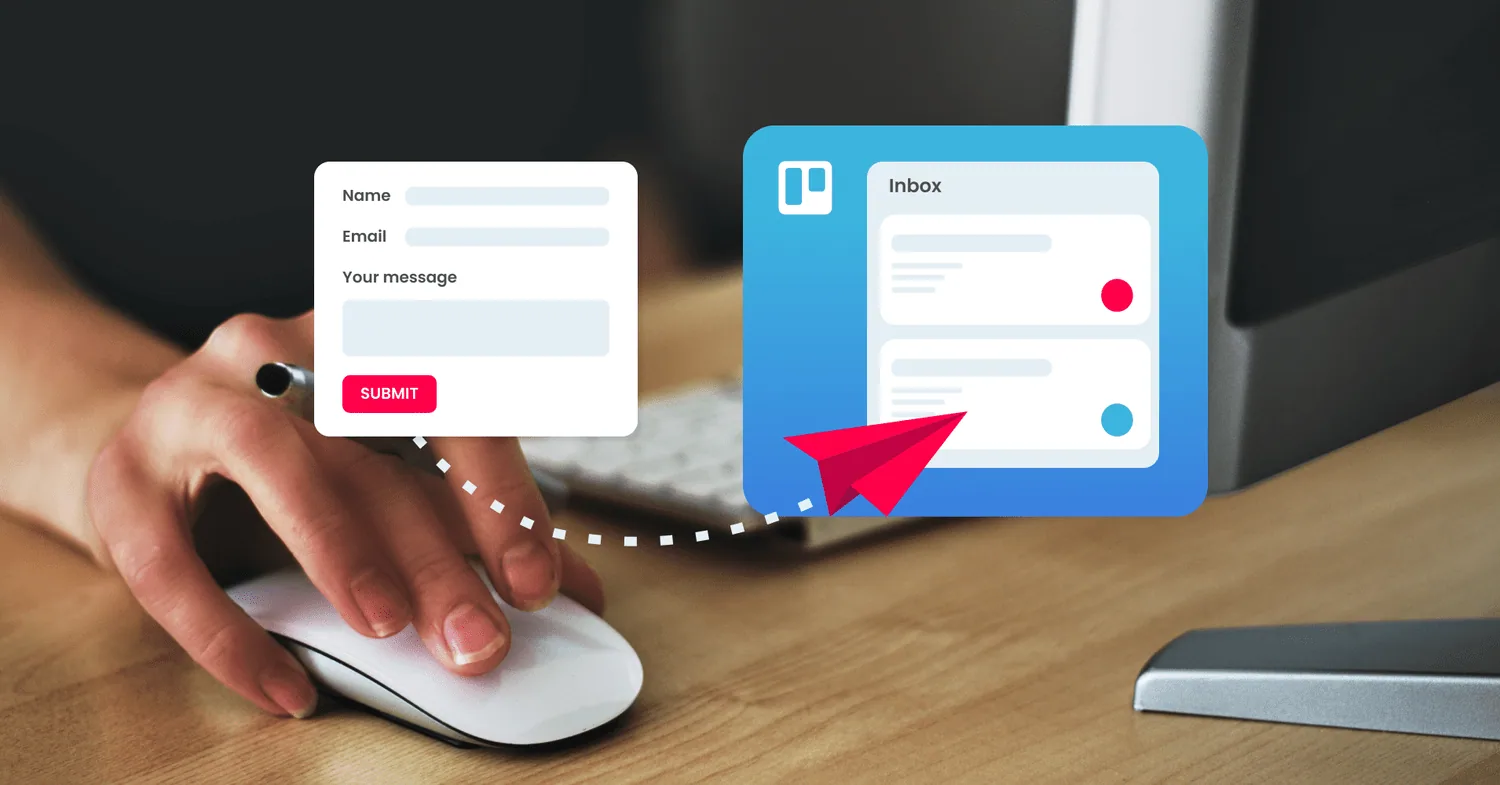
Read More: How to create an email help desk in TrelloIf you’re receiving emails or help tickets in Trello through a third-party contact form, make sure nothing slips through the cracks!
Read More: How to connect a contact form to TrelloKanban has become one of the most popular agile methodologies. Here are 4 powerful ways to improve your team’s email workflow using Kanban.
Read More: 4 ways to harness the power of Kanban for emailThe Email for Trello Power-Up by SendBoard transforms your shared inbox into a shared workspace, so that your team can collaborate on email.
Read More: Share the load: Connect a shared email inbox to Trello with SendBoardThe team at Codeo use Trello and SendBoard to keep email organised, collaborate effectively and offer top customer support – all while working remotely.
Read More: How Codeo uses Trello and SendBoard for customer supportUnleash your teams full potential with an email help desk - automated workflows, team collaboration, lifecycle tracking and improved customer experience.
Read More: 5 Reasons your Small Business should use Email Help Desk SoftwareAlthough millions of teams use tools like Trello, Basecamp, or Asana to collaborate and get work done, work often starts and ends with a plain old email.
Read More: Why we built an email helpdesk in TrelloNo posts match your search.