The Complete Guide to Trello Automation in 2026
Butler rules, buttons, scheduled commands, and recipes to set up today.
Read More: The Complete Guide to Trello Automation in 2026
Butler rules, buttons, scheduled commands, and recipes to set up today.
Read More: The Complete Guide to Trello Automation in 2026Set recurring due dates in Trello, and use the Email for Trello Power-Up to automatically take care of your regular email admin for you!
Read More: How to boost your email workflow with Trello’s recurring date featureBuild your own Trello master board to customize your workspace overview, and help your team work together more effectively.
Read More: Build a master overview board for your Trello workspaceDo more with email automation in Trello! Use the Trello comment API to automate your emails and replies with SendBoard’s Email for Trello Power-Up.
Read More: How to use the Trello API to automate your emailsRunning a shared inbox with Email for Trello? Discover our best practices and actionable tips to help your team streamline their email communication.
Read More: Making team email efficient: Best practices with Email for TrelloTransform your small business with Trello and the Email for Trello Power-Up! Organize daily ops, handle customer emails, and manage projects in one visual hub.
Read More: Why Trello is the ideal tool for small businessesTrello’s card mirror feature lets you sync updates on a card across multiple Trello boards. Here’s how to use it for better collaboration.
Read More: New Trello feature: Mirror cards across boardsWhether you're managing projects, CRM, customer support or finances, we show you how transform Trello into the central hub that keeps your business running smoothly.
Read More: A complete guide to using Trello as your business operating systemTurn Trello into a custom project management workflow, and use Email for Trello’s contact management to help your team stay on track.
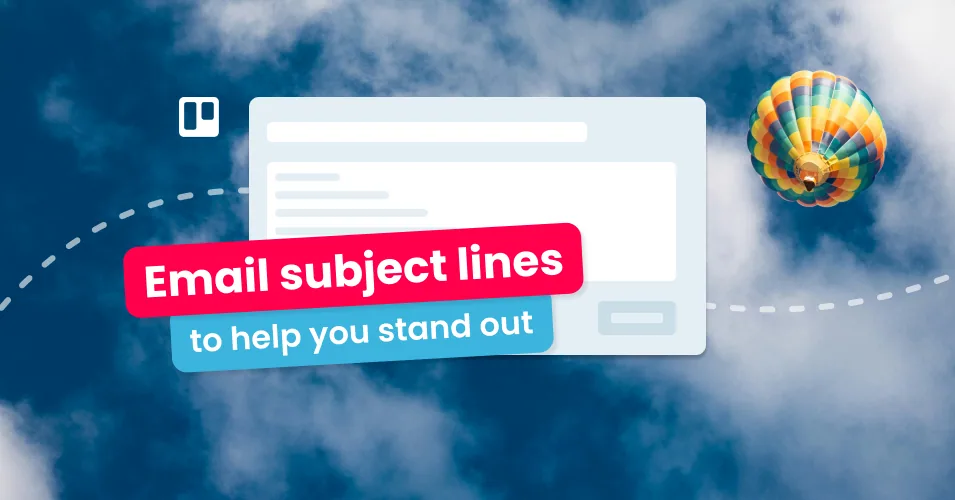
Read More: 5 ways to improve your project management with contact management in TrelloStand out in your customer's inbox with 15 of the best email subject lines for sales teams, recruitment agencies, eCommerce businesses, and more.
Read More: 15 email subject lines to stand out in a crowded inboxA well-collaborated project management team can significantly increase the efficiency and outcome of any project. Let’s delve into five effective ways to enhance team collaboration.
Read More: 5 ways to build collaboration on your project management teamStay on top of your business communications with these 4 tips on how to keep clients updated throughout a project.
Read More: Keep clients up to date on projects with email in Trello (2024)Transform your project management workflow with Email for Trello! Discover our top 10 tips for streamlining your team’s tasks and emails.
Read More: 10 ways to become an expert project manager in TrelloCopy five project management email templates (kickoff, status, escalation, change request, sign-off) and keep them ready to send from Trello.
Read More: The Best Project Management Email TemplatesTransform the way you manage projects with Email for Trello. Spot bottlenecks and keep stakeholders up to date with a customized project management workflow.
Read More: How to manage projects in Trello using emailThe benefits of Trello arise from its simplicity and flexibility, to help streamline workflows and improve efficiency across your business.
Read More: Benefits of Trello for BusinessThe 15 best Trello power-ups for teams and project management to boost collaboration, communication and business results.
Read More: Top 15 Trello Power-Ups for Teams and Project ManagementHow you allocate work can have a huge impact on the culture and effectiveness of your team! Learn about ‘push’ vs ‘pull’ models of assigning work.
Read More: Why you should stop assigning tasks to your team membersNo posts match your search.