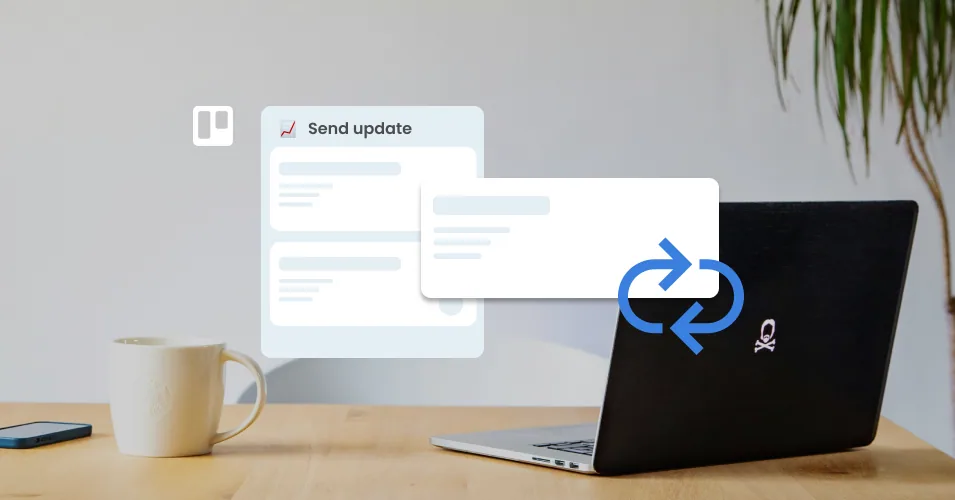
How to set up recurring tasks in Trello
Trello recurring tasks don't need an automation rule. Set a cadence on the card's due date, choose recycled or fresh cards, and send your weekly email too.
Read More: How to set up recurring tasks in Trello
Trello recurring tasks don't need an automation rule. Set a cadence on the card's due date, choose recycled or fresh cards, and send your weekly email too.
Read More: How to set up recurring tasks in TrelloTurn Trello due dates into scheduled sales follow-ups. Set chase reminders, save your templates, and let Trello automation send the email for you.
Read More: Schedule sales follow-up emails from Trello cardsHow to run sales as a team on one Trello board: simple rules for who owns each reply, handoffs that carry the whole story, and a pipeline your entire team can read without asking anyone for an update.
Read More: Sales is a multiplayer game: here’s how to play it in Trello15 Trello Power-Ups for automation, reporting, calendar, forms, and email that are free or have a usable free plan.
Read More: The Best Free Trello Power-Ups in 2026Build a customer success board in Trello: account cards with health and renewal fields, customer email kept on the card, and automated check-in emails.
Read More: Customer Success Workflows in TrelloSet up a hiring pipeline in Trello: turn applications into cards, track candidates by stage, and send interview and offer emails from saved templates.
Read More: Build a recruitment pipeline in Trello with email templatesSet up a Claude Project skill tailored to your Email for Trello workflow, and generate accurate Saved Reply templates with the right variables built in.
Read More: Build a Claude skill for your Email for Trello workflowLearn how to use Trello list colors to organize your board by status, pipeline stage, or project phase, plus how to automate them with Butler.
Read More: How to Use Trello List Colors to Organize Your WorkflowTake your customer support communication to the next level with our ultimate guide to AI prompts for writing and personalizing your emails.
Read More: The ultimate guide to email prompts for customer service teamsTake your HR communication to the next level with our ultimate guide to AI prompts for writing and personalizing your emails.
Read More: The ultimate guide to email prompts for HR teamsSeven simple ways to customize Trello, so your boards stay clear, fast, and easy to run.
Read More: Lightweight ways to customise TrelloAutomate emails from Trello based on custom dates, so that your team can stay on top of follow-ups, reminders, and updates.
Read More: Automate emails in Trello based on due datesWe show you to combine a Trello card button with an HTTP request using Zapier webhooks for more advanced, multi-channel email automations.
Read More: How to use a Trello card button to trigger a Zapier webhookTake your eCommerce messaging to the next level with our ultimate guide to AI prompts for writing and personalizing your emails.
Read More: The ultimate guide to email prompts for eCommerce teamsLearn how to use pattern matching with regex and wildcards in Trello to create more complex automations for your email workflow.
Read More: Trello's hidden automation features! [Complex pattern matching]Take your sales communication to the next level with our ultimate guide to AI prompts for writing and personalizing your emails.
Read More: The ultimate guide to email prompts for sales teamsNew year, more reporting power! Boost your sales workflow by adding email reports to your team’s shared inbox in Trello.
Read More: Add reporting to your shared inbox in TrelloTransform your workflow with the power of Trello automation! We share 10 automation tricks to action now, and set your team up for success.
Read More: 10 Trello automation tricks to set up before the new yearButler rules, buttons, scheduled commands, and recipes to set up today.
Read More: The Complete Guide to Trello Automation in 2026We explore 6 ways to use video in your email workflow to connect with your team and clients in a more engaging way.
Read More: 6 nifty ways to use video in your Trello email workflowSet recurring due dates in Trello, and use the Email for Trello Power-Up to automatically take care of your regular email admin for you!
Read More: How to boost your email workflow with Trello’s recurring date featureBuild your own Trello master board to customize your workspace overview, and help your team work together more effectively.
Read More: Build a master overview board for your Trello workspaceUse the Email for Trello Power-Up to automate your team’s sales email proposal workflow, and include additional data and formulas with Amazing Fields.
Read More: Automate your sales pipeline with Amazing Fields and Email for TrelloDo more with email automation in Trello! Use the Trello comment API to automate your emails and replies with SendBoard’s Email for Trello Power-Up.
Read More: How to use the Trello API to automate your emailsManage annual performance reviews in Trello, and use the Email for Trello Power-Up to send emails right from your board.
Read More: How to manage annual performance reviews with TrelloRun your annual internal policy review in Trello, and use the Email for Trello Power-Up to send emails right from your board.
Read More: How to run an annual internal policy and procedure review with TrelloHow Trello notifications work, how to customize your settings, and how to fix common issues so nothing important slips past your team.
Read More: Trello Notifications: Settings, tips and fixesCustomize Trello workflows to suit the teams in your organization – and integrate email alongside your to-dos with the Email for Trello Power-Up.
Read More: How to build team-specific workflows with Email for TrelloScale your business using Trello boards, workflow automations, and Email for Trello, so that your team can manage increasing communication volume without chaos.
Read More: Scaling your business with TrelloDiscover our top Trello tips, templates, and automations to help your customer support team ensure fast email replies.
Read More: Improve first response time without hiring more agentsWork smarter, not harder with email automation in Trello! Streamline your customer support workflow with our top 5 automations for help desk teams.
Read More: 5 automations every support team should set upRunning a shared inbox with Email for Trello? Discover our best practices and actionable tips to help your team streamline their email communication.
Read More: Making team email efficient: Best practices with Email for TrelloLearn how to write an invoice email and send it with the Email for Trello Power-Up.
Read More: How to write an invoice emailLearn how to write a friendly and tactful payment request with our invoice email templates.
Read More: How to write a polite and professional payment request emailTake collaboration in your Trello workflow to the next level with these 5 lesser-known tips and features.
Read More: Become a Trello pro: Top 5 lesser-known Trello tips and featuresCombine Email for Trello with the Jira Power-Up so that you can keep customer-facing teams in sync with your development team.
Read More: Bridge the gap: How to use Email for Trello and the Jira Power-Up for smoother collaborationMake the most of Trello automation and use a bot to organize your team’s automations within your workspace.
Read More: How to create a Trello automation botBoost your team’s collaboration in Trello with these 10 tips.
Read More: 10 quick-win collaboration tricks in TrelloWe show you how to automatically send a survey as an email reply from Trello (and collect the survey responses on your board as Trello cards).
Read More: Tips for collecting year-end feedback with email in TrelloDiscover Power-Ups to level up your business workflow in Trello.
Read More: The ultimate guide to Trello Power-UpsLearn how to share Trello automations with your team, so that you can make sure everyone is following the same processes.
Read More: How can I share Trello automations with my team?Supercharge your checklists and keep track of your to-dos with our guide to automating checklist tasks in Trello.
Read More: Level up your checklists in TrelloWondering what you can automate in Trello? Explore these automation possibilities for your HR and recruitment processes!
Read More: A complete list of HR processes you can automate in TrelloStay on top of your business communications with these 4 tips on how to keep clients updated throughout a project.
Read More: Keep clients up to date on projects with email in Trello (2024)Automatically send your customer a “ticket assigned” email using Trello automation and Email for Trello’s Saved Reply feature.
Read More: How to automatically send out a "Ticket Assigned" email when a Trello team member is assigned to a cardNeed a solution for a messy shared mailbox? The combined power of email and Trello can help your team get organized and get more done.
Read More: Revolutionizing Email Management: SendBoard’s Take on a Team MailboxNew to Trello? We show you how to get set up, use basic and advanced features, and share our favorite resources for further learning.
Read More: Trello Tutorial: Your ultimate guide to getting started with TrelloOrganize your business workflow! Follow our guide to setting up, using and automating workflows for your tasks and emails in Trello.
Read More: Managing business workflows with Trello: A step-by-step guideTake control of your inbox with Trello automation! Our top 4 ways to automate your weekly email tasks.
Read More: How to automate weekly email tasksHarness the hidden power of email! Follow our tips to transform your workflow and get the business edge with email.
Read More: 3 tips to drive your business forward with emailTeach ChatGPT how to use Trello variables and Custom Fields so that you can quickly build a library of Saved Replies.
Read More: Get ChatGPT to write your Saved Reply emailsUse RSS and Zapier to turn any Trello board into a real-time monitoring feed, so that you can keep track of brand mentions from around the web.
Read More: How to create a brand monitoring board in TrelloYou can now opt-out of receiving notifications for email automations that you created using the Email for Trello Power-Up.
Read More: New feature: Remove yourself from email automation notificationsGet the Trello bots to do the heavy-lifting! Here are 10+ things you can automate in Trello to save team time and get more done.
Read More: Trello automation templates to transform your workflowEmail for Trello's comprehensive guide for how to send, receive and reply to emails – without ever leaving Trello.
Read More: How to send and receive emails in TrelloMake the most of automation and Custom Fields! Create a Trello button to send an email update to multiple people at once.
Read More: How to send one email to multiple contactsTransform your shared inbox into a shared workspace with Email for Trello! Stay organized, respond faster, and keep customers happy.
Read More: How to create an email help desk in TrelloMake sure no-one falls off your to-do list! This useful Trello automation can automatically send a follow-up email after a chosen number of days.
Read More: Automatically send timed follow-up emails from TrelloEmail for Trello makes it possible to read, write, and reply to incoming emails on the go with the Trello mobile app.
Read More: Send email from the Trello appEmail for Trello has some nifty new CRM features! Assign a new contact to any card, as well as manage and edit your contacts directly from Trello.
Read More: New feature: How to manage contacts in TrelloTransform your email inbox in 2023! Set up a shared inbox, process email systematically, and get automation doing the heavy-lifting for you.
Read More: Three steps to organize your email in 2024Ten of our favorite Trello tips and tricks to help your team save time, stay organized, and get more done, from shortcuts to automation.
Read More: 10 Trello tips and tricks to try in 2026Many teams process similar emails that could easily be resolved with a templated response. Learn how to set up one click email replies in Trello.
Read More: Reply to emails in Trello with just one clickCustom Fields can be used in powerful ways to filter, sort and display information. Here are our top four ways to get more out of Custom Fields in Trello.
Read More: Our top 4 tricks to get the most out of Trello Custom FieldsGet your Google Form submissions into Trello so that your team can collaborate on incoming enquiries with SendBoard’s Email for Trello.
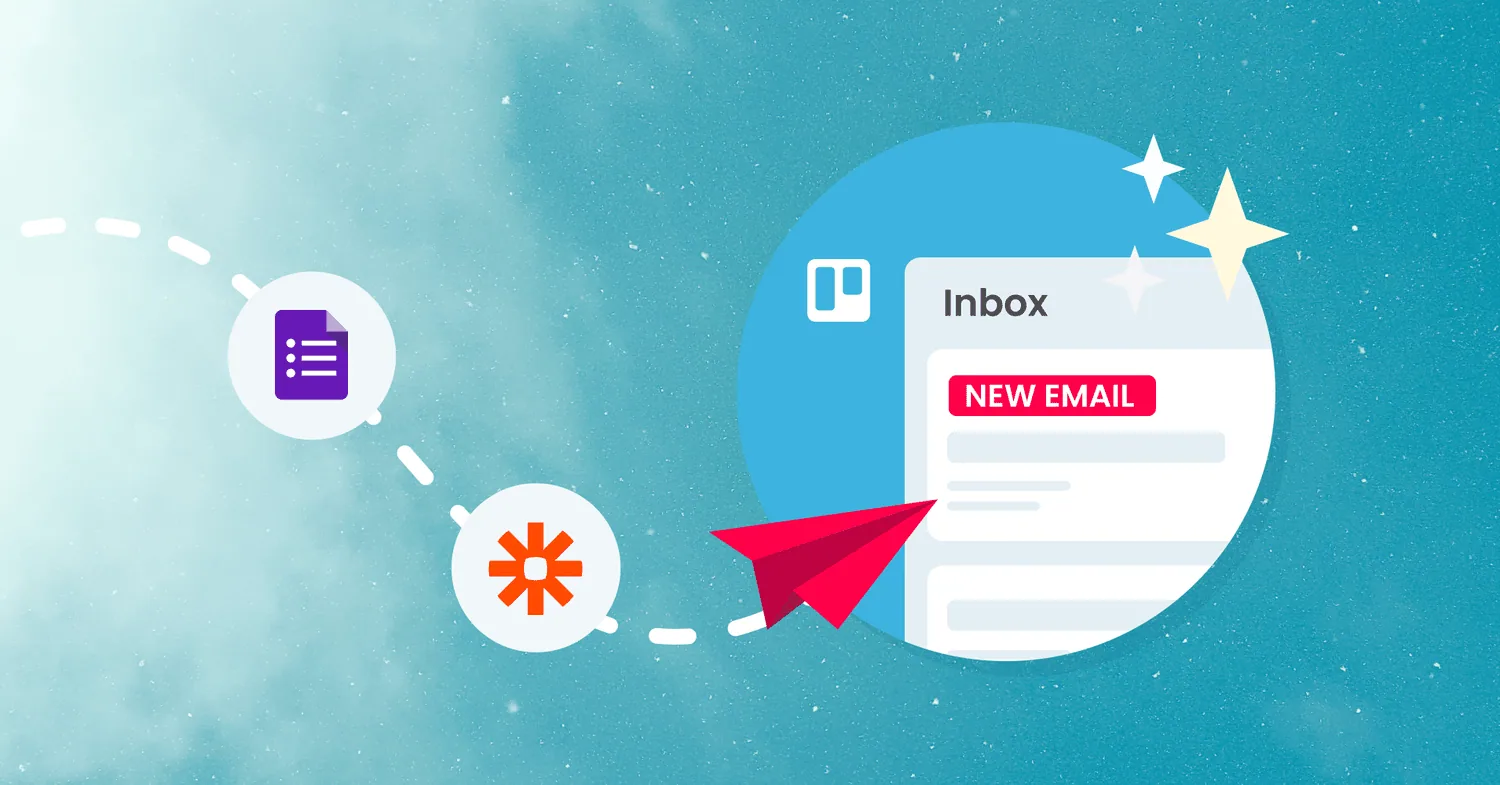
Read More: How to connect Google Forms to Email for Trello with ZapierLearn this neat trick for working efficiently across multiple boards in Trello. It relies on three things: moving cards, linking boards and automation.
Read More: Link multiple Trello boards with this neat trickConnect a shared recruitment inbox so that you can manage all incoming email applications as separate Trello cards.
Read More: How to manage a hiring pipeline with Email for TrelloAutomating repetitive tasks can save your team tons of time! Get inspired to try out rule-based automation in Trello with our handy beginner guide.
Read More: A beginner’s guide to Trello automation rulesBump your email card to the top or add a label to notify team members when a new reply is received in Trello
Read More: How to set up email reply notifications in TrelloWith SendBoard in Trello, you get more value out of your existing tools – plus your team gets email superpowers. Win!
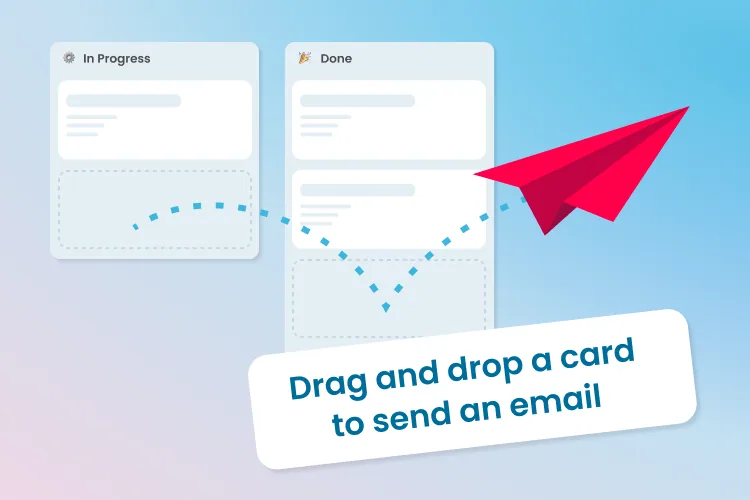
Read More: Why Startups Love SendBoardWhen you move a Trello card from one list to another, the Email for Trello Power-Up can fire off an email update on your behalf.
Read More: Drag a Trello card to send an emailAdd smart content to your automated replies for more personal and relevant emails that potentially solve customer queries before you’re even aware they exist.
Read More: Create smart email auto-responses with SendBoard and TrelloThe benefits of Trello arise from its simplicity and flexibility, to help streamline workflows and improve efficiency across your business.
Read More: Benefits of Trello for BusinessThe 15 best Trello power-ups for teams and project management to boost collaboration, communication and business results.
Read More: Top 15 Trello Power-Ups for Teams and Project ManagementUnleash your teams full potential with an email help desk - automated workflows, team collaboration, lifecycle tracking and improved customer experience.
Read More: 5 Reasons your Small Business should use Email Help Desk SoftwareAssign incoming cards to your team fairly and automatically. Set up a round-robin rule in Trello with Butler in five quick steps.
Read More: Round-Robin task assignment in Trello with Automation (Butler)No posts match your search.