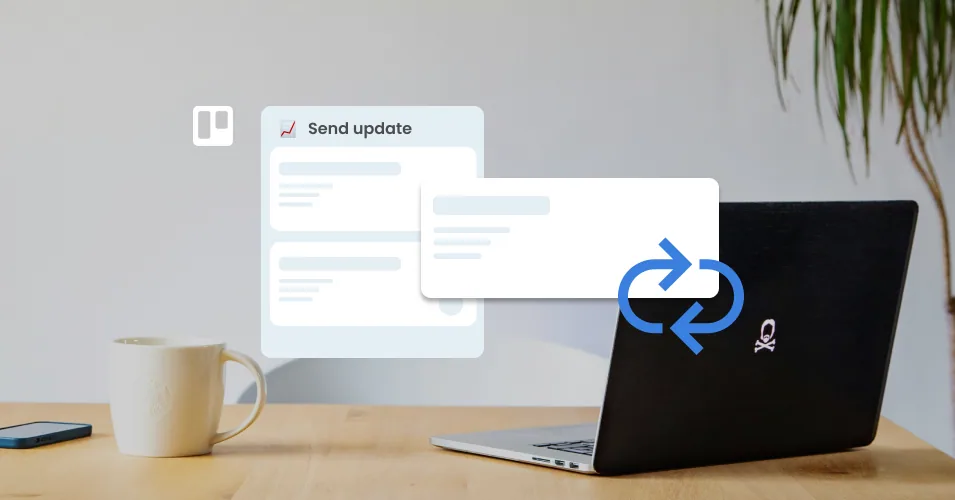
How to set up recurring tasks in Trello
Trello recurring tasks don't need an automation rule. Set a cadence on the card's due date, choose recycled or fresh cards, and send your weekly email too.
Read More: How to set up recurring tasks in Trello
Trello recurring tasks don't need an automation rule. Set a cadence on the card's due date, choose recycled or fresh cards, and send your weekly email too.
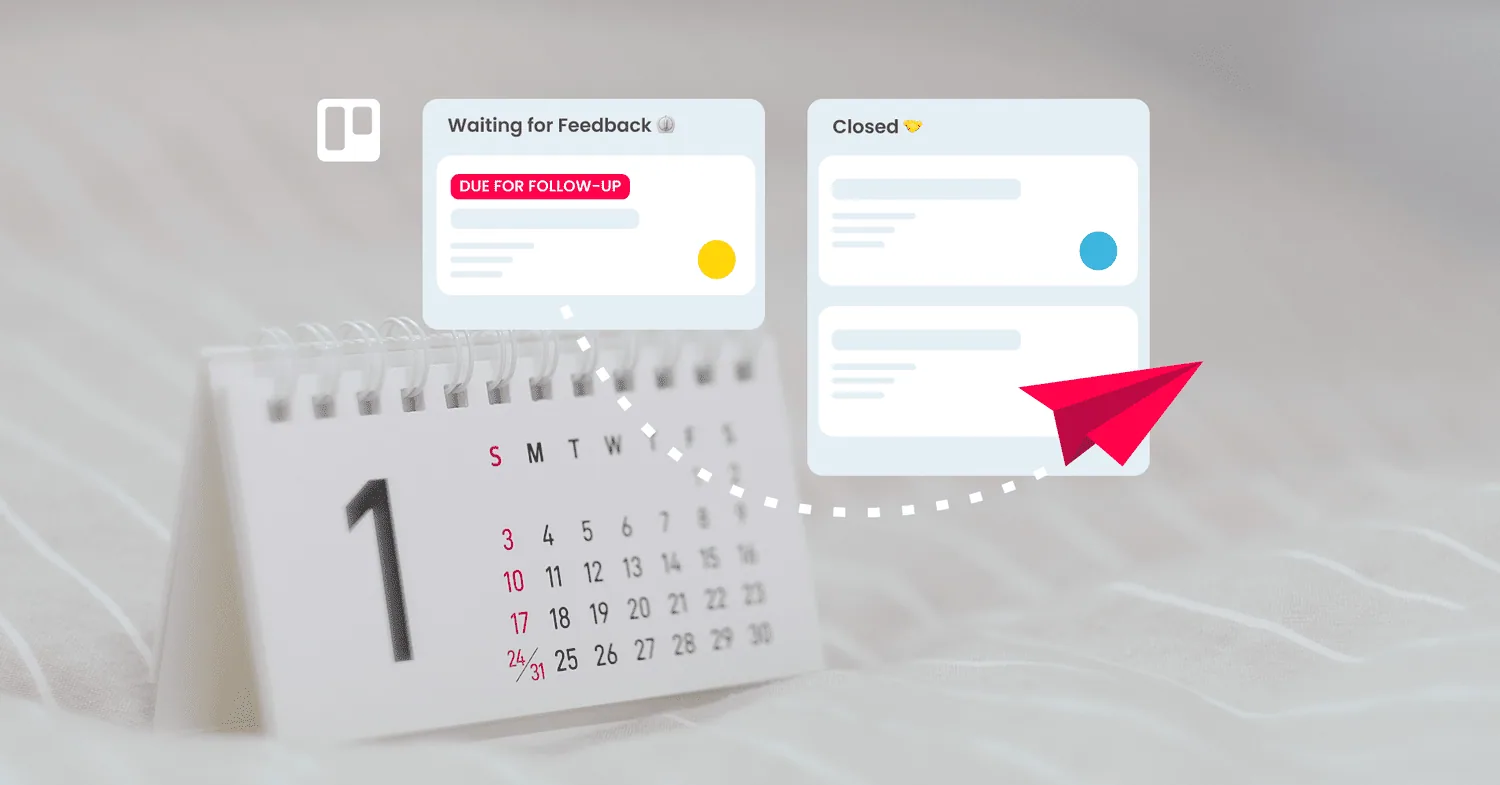
Read More: How to set up recurring tasks in TrelloTurn Trello due dates into scheduled sales follow-ups. Set chase reminders, save your templates, and let Trello automation send the email for you.
Read More: Schedule sales follow-up emails from Trello cardsHow to run sales as a team on one Trello board: simple rules for who owns each reply, handoffs that carry the whole story, and a pipeline your entire team can read without asking anyone for an update.
Read More: Sales is a multiplayer game: here’s how to play it in Trello15 Trello Power-Ups for automation, reporting, calendar, forms, and email that are free or have a usable free plan.
Read More: The Best Free Trello Power-Ups in 2026Build a customer success board in Trello: account cards with health and renewal fields, customer email kept on the card, and automated check-in emails.
Read More: Customer Success Workflows in TrelloSet up a hiring pipeline in Trello: turn applications into cards, track candidates by stage, and send interview and offer emails from saved templates.
Read More: Build a recruitment pipeline in Trello with email templatesSet up Trello as a working CRM — pipelines, deals, Custom Fields, automated follow-ups, and where it falls short of a dedicated tool.
Read More: Trello as a CRM: The Complete 2026 GuideBuild a working cold outreach system in Trello, with Saved Replies, due-date follow-ups, and Butler automation.
Read More: Run a cold outreach sequence entirely from TrelloLearn how to connect a shared team email address to a Trello board so your whole team can see and reply together.
Read More: Connect a shared email inbox to the new TrelloTriage, reply to, and automate emails from Trello's iOS and Android apps. A practical guide to running your shared inbox on the go.
Read More: How to manage email workflow from Trello mobileBuild a working Trello help desk in a week. Board layout, email setup, Saved Replies, and Butler automation, step by step.
Read More: How to build a Trello help desk from scratch (step-by-step)Compare shared inbox tools, helpdesks, Trello-native options, and DIY setups to find the right fit for your small team.
Read More: Shared inbox software for small teams: how to chooseEvery AI feature in Trello, from the writing assistant to Quick Capture, with steps to activate each one and fit it into your workflow.
Read More: Trello AI Features: The Complete Guide (2026)Keep your team's contacts organized with these 10 practical tips for better contact management, from grouping by company to cleaning up your database.
Read More: 8 Contact Management Tips to Keep Your Team OrganizedSet up a Claude Project skill tailored to your Email for Trello workflow, and generate accurate Saved Reply templates with the right variables built in.
Read More: Build a Claude skill for your Email for Trello workflowLearn how to use Trello list colors to organize your board by status, pipeline stage, or project phase, plus how to automate them with Butler.
Read More: How to Use Trello List Colors to Organize Your WorkflowExport LinkedIn connections and import them into Trello as a working people directory. Use Email for Trello's contact management tools to organize and follow up.
Read More: Build a LinkedIn People Directory in Trello (Step-by-Step)We explore 6 ways to use video in your email workflow to connect with your team and clients in a more engaging way.
Read More: 6 nifty ways to use video in your Trello email workflowUse the Email for Trello Power-Up to automate your team’s sales email proposal workflow, and include additional data and formulas with Amazing Fields.
Read More: Automate your sales pipeline with Amazing Fields and Email for TrelloUse the Email for Trello Power-Up to keep track of your client onboarding emails, tasks, and documents – all in one Trello board!
Read More: Simplify your client onboarding process with email in TrelloUse the Email for Trello Power-Up to capture leads, respond automatically with tailored emails, and follow-up post-event – no extra tools needed!
Read More: How to use Trello to run an automated email-based sales demo at an in-person eventSet up your Trello workflow for smooth handovers that keep your team aligned and your projects on track.
Read More: Managing handovers across teams in TrelloBoost your team’s collaboration in Trello with these 10 tips.
Read More: 10 quick-win collaboration tricks in TrelloWe show you how to automatically send a survey as an email reply from Trello (and collect the survey responses on your board as Trello cards).
Read More: Tips for collecting year-end feedback with email in TrelloWho says email can’t be fun? We show you 4 ways to add a celebration moment to your email workflow in Trello.
Read More: How to add a celebration moment to your email workflow in TrelloSet up a central Trello board to triage your incoming emails and use automation to send them to the correct team.
Read More: How to triage inbound emails and allocate them across different teamsWe guide you through considerations for an Atlassian-based CRM – and show you how Trello and the Email for Trello Power-Up can set your team up for success.
Read More: The best SMB CRM software for the Atlassian ecosystemDiscover Power-Ups to level up your business workflow in Trello.
Read More: The ultimate guide to Trello Power-UpsA simple guide to archiving and unarchiving cards, lists and boards in Trello.
Read More: How to archive cards, lists and boards in TrelloStay on top of your business communications with these 4 tips on how to keep clients updated throughout a project.
Read More: Keep clients up to date on projects with email in Trello (2024)Boost your productivity and streamline your workflow! We round up the six best ChatGPT plugins to try in your email workflow.
Read More: 6 ChatGPT plugins that will 10x your email productivityNeed a solution for a messy shared mailbox? The combined power of email and Trello can help your team get organized and get more done.
Read More: Revolutionizing Email Management: SendBoard’s Take on a Team MailboxAtlassian have released a new AI tool! We take a closer look at how to use Atlassian Intelligence in your Trello workflow.
Read More: How to use Atlassian Intelligence in TrelloConvert your Google Workspace into a Kanban board with Trello. Keep everything you love about Google – just use Trello to add the power of Kanban!
Read More: How to create your own Google Kanban board using Gmail and TrelloSwimlanes are a powerful visual tool for organizing your Trello board. Here’s how to use them for a more streamlined help desk workflow.
Read More: How to use swimlanes for your help desk workflowNew to Trello? We show you how to get set up, use basic and advanced features, and share our favorite resources for further learning.
Read More: Trello Tutorial: Your ultimate guide to getting started with TrelloOrganize your business workflow! Follow our guide to setting up, using and automating workflows for your tasks and emails in Trello.
Read More: Managing business workflows with Trello: A step-by-step guideTake control of your inbox with Trello automation! Our top 4 ways to automate your weekly email tasks.
Read More: How to automate weekly email tasksStay agile, make data-driven decisions and proactively manage customer relationships with Email for Trello’s new activity feed.
Read More: Streamline your email workflow with the new activity feedImprove your CRM with Email for Trello’s new contact management tools! Sort and organize your contacts in Trello with our new notes and groups features.
Read More: How to manage your emails with notes and organizationsEmail for Trello’s latest CRM features include new tools for contact import and export. Here’s a closer look at how it works.
Read More: How to import and export contacts in Email for TrelloNew contact management features in Email for Trello! View email activity, import contacts, group contacts by organization, add custom notes and more.
Read More: New feature: Contact management in Email for TrelloHarness the hidden power of email! Follow our tips to transform your workflow and get the business edge with email.
Read More: 3 tips to drive your business forward with emailLove Kanban? Apply it to your email inbox! Organize your shared inbox with Kanban so that your team can respond to emails strategically and get more done.
Read More: Kanban for Email: How to organize your inbox and up your productivityMake the most of automation and Custom Fields! Create a Trello button to send an email update to multiple people at once.
Read More: How to send one email to multiple contactsConnect a shared accounting inbox so that you can manage all incoming bills and invoices as separate Trello cards.
Read More: How to manage your business invoices with Email for TrelloTransform your team’s email inbox into a streamlined workspace for your online business. Manage orders, packing and shipping from one central dashboard.
Read More: How to manage your eCommerce orders in TrelloTransform the way you manage projects with Email for Trello. Spot bottlenecks and keep stakeholders up to date with a customized project management workflow.
Read More: How to manage projects in Trello using emailTransform your shared inbox into a shared workspace with Email for Trello! Stay organized, respond faster, and keep customers happy.
Read More: How to create an email help desk in TrelloMake sure no-one falls off your to-do list! This useful Trello automation can automatically send a follow-up email after a chosen number of days.
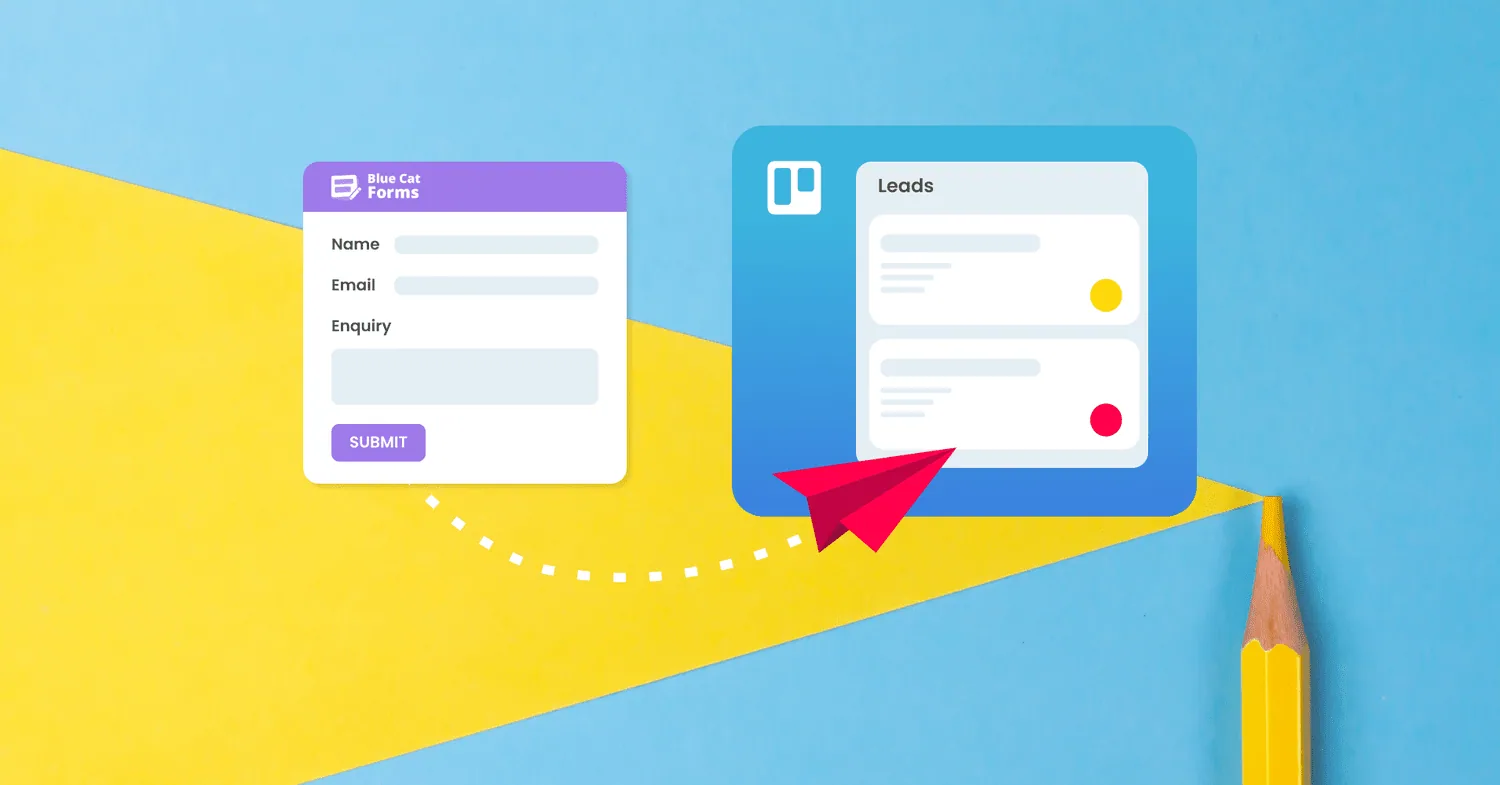
Read More: Automatically send timed follow-up emails from TrelloQuickly and easily respond to form submissions directly from Trello! All you need is a little magic from Blue Cat Forms and Email for Trello.
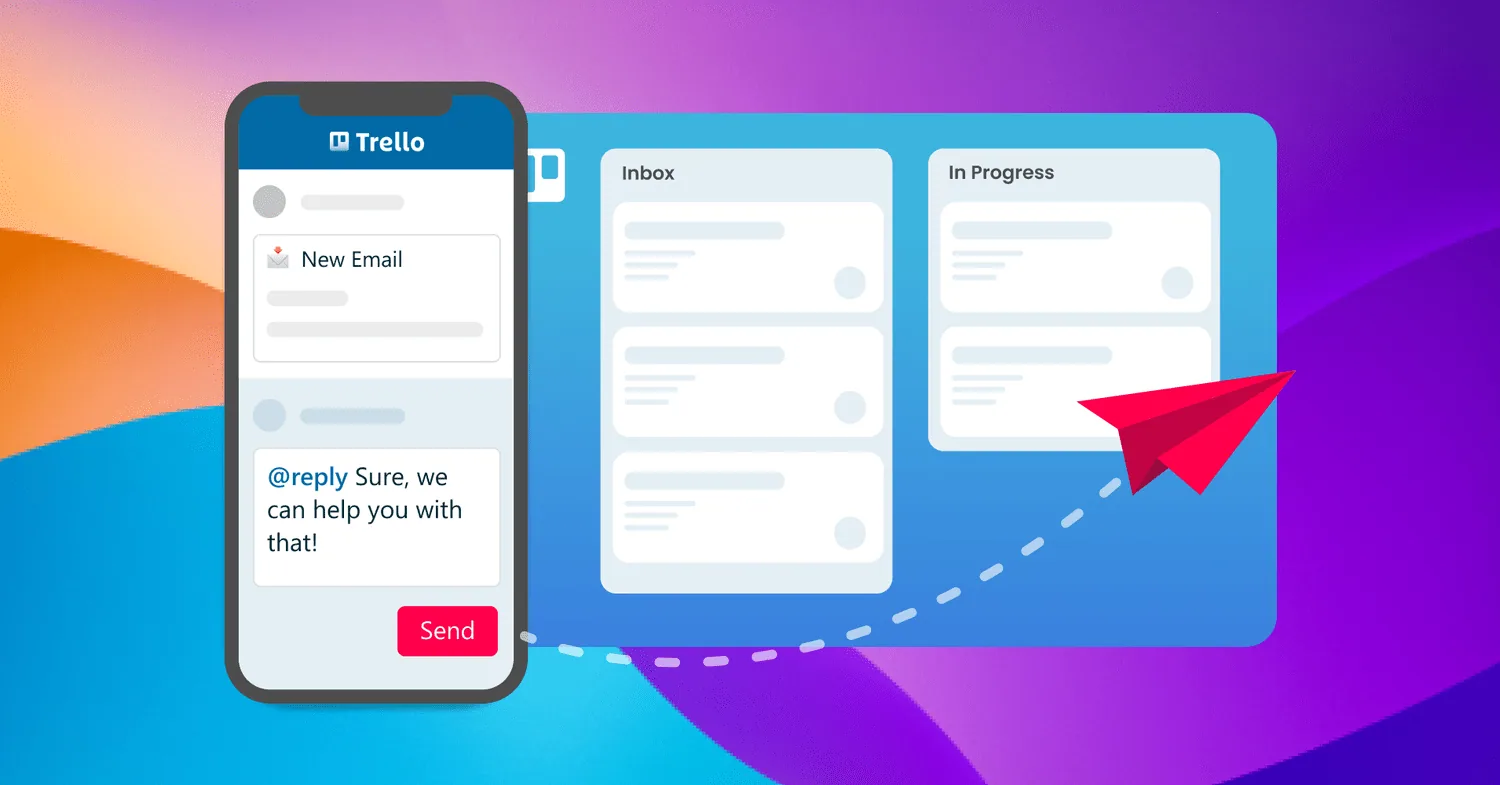
Read More: The best way to get form submissions into TrelloEmail for Trello makes it possible to read, write, and reply to incoming emails on the go with the Trello mobile app.
Read More: Send email from the Trello appTransform your email inbox in 2023! Set up a shared inbox, process email systematically, and get automation doing the heavy-lifting for you.
Read More: Three steps to organize your email in 2024Ten of our favorite Trello tips and tricks to help your team save time, stay organized, and get more done, from shortcuts to automation.
Read More: 10 Trello tips and tricks to try in 2026Custom Fields can be used in powerful ways to filter, sort and display information. Here are our top four ways to get more out of Custom Fields in Trello.
Read More: Our top 4 tricks to get the most out of Trello Custom FieldsTrello's new Loom integration lets you record and share videos straight to your cards! Here's how to use it to collaborate on your emails.
Read More: How to use Loom videos in your email workflowIf you’re receiving emails or help tickets in Trello through a third-party contact form, make sure nothing slips through the cracks!
Read More: How to connect a contact form to TrelloWhether you’re in sales, support or reservations, here are three ways to get the most out of reporting in Trello.
Read More: Three reports to try in TrelloLearn this neat trick for working efficiently across multiple boards in Trello. It relies on three things: moving cards, linking boards and automation.
Read More: Link multiple Trello boards with this neat trickConnect a shared recruitment inbox so that you can manage all incoming email applications as separate Trello cards.
Read More: How to manage a hiring pipeline with Email for TrelloBump your email card to the top or add a label to notify team members when a new reply is received in Trello
Read More: How to set up email reply notifications in TrelloWith SendBoard in Trello, you get more value out of your existing tools – plus your team gets email superpowers. Win!
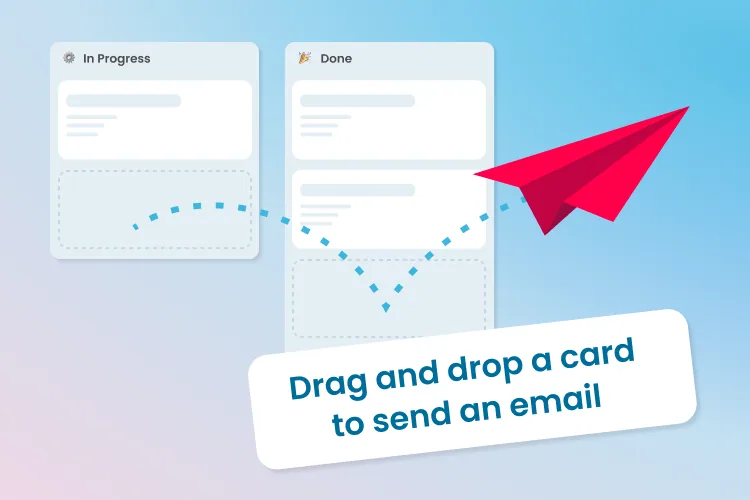
Read More: Why Startups Love SendBoardWhen you move a Trello card from one list to another, the Email for Trello Power-Up can fire off an email update on your behalf.
Read More: Drag a Trello card to send an emailKanban has become one of the most popular agile methodologies. Here are 4 powerful ways to improve your team’s email workflow using Kanban.
Read More: 4 ways to harness the power of Kanban for emailAdd smart content to your automated replies for more personal and relevant emails that potentially solve customer queries before you’re even aware they exist.
Read More: Create smart email auto-responses with SendBoard and TrelloThe team at Codeo use Trello and SendBoard to keep email organised, collaborate effectively and offer top customer support – all while working remotely.
Read More: How Codeo uses Trello and SendBoard for customer supportThe benefits of Trello arise from its simplicity and flexibility, to help streamline workflows and improve efficiency across your business.
Read More: Benefits of Trello for BusinessThe 15 best Trello power-ups for teams and project management to boost collaboration, communication and business results.
Read More: Top 15 Trello Power-Ups for Teams and Project ManagementUnleash your teams full potential with an email help desk - automated workflows, team collaboration, lifecycle tracking and improved customer experience.
Read More: 5 Reasons your Small Business should use Email Help Desk SoftwareCRM software can be a powerful tool for small businesses. Build customer relationships, increase sales, improve customer service, and increase profitability.
Read More: Benefits of CRM software for small businessesHow you allocate work can have a huge impact on the culture and effectiveness of your team! Learn about ‘push’ vs ‘pull’ models of assigning work.
Read More: Why you should stop assigning tasks to your team membersAssign incoming cards to your team fairly and automatically. Set up a round-robin rule in Trello with Butler in five quick steps.
Read More: Round-Robin task assignment in Trello with Automation (Butler)Although millions of teams use tools like Trello, Basecamp, or Asana to collaborate and get work done, work often starts and ends with a plain old email.
Read More: Why we built an email helpdesk in TrelloNo posts match your search.